Catch Every Beat: Your Ultimate Multi-Stream Guide to Ultra Japan 2026
Ultra Japan is a multi-stream event — here's how to watch every official live stream at once in one grid.
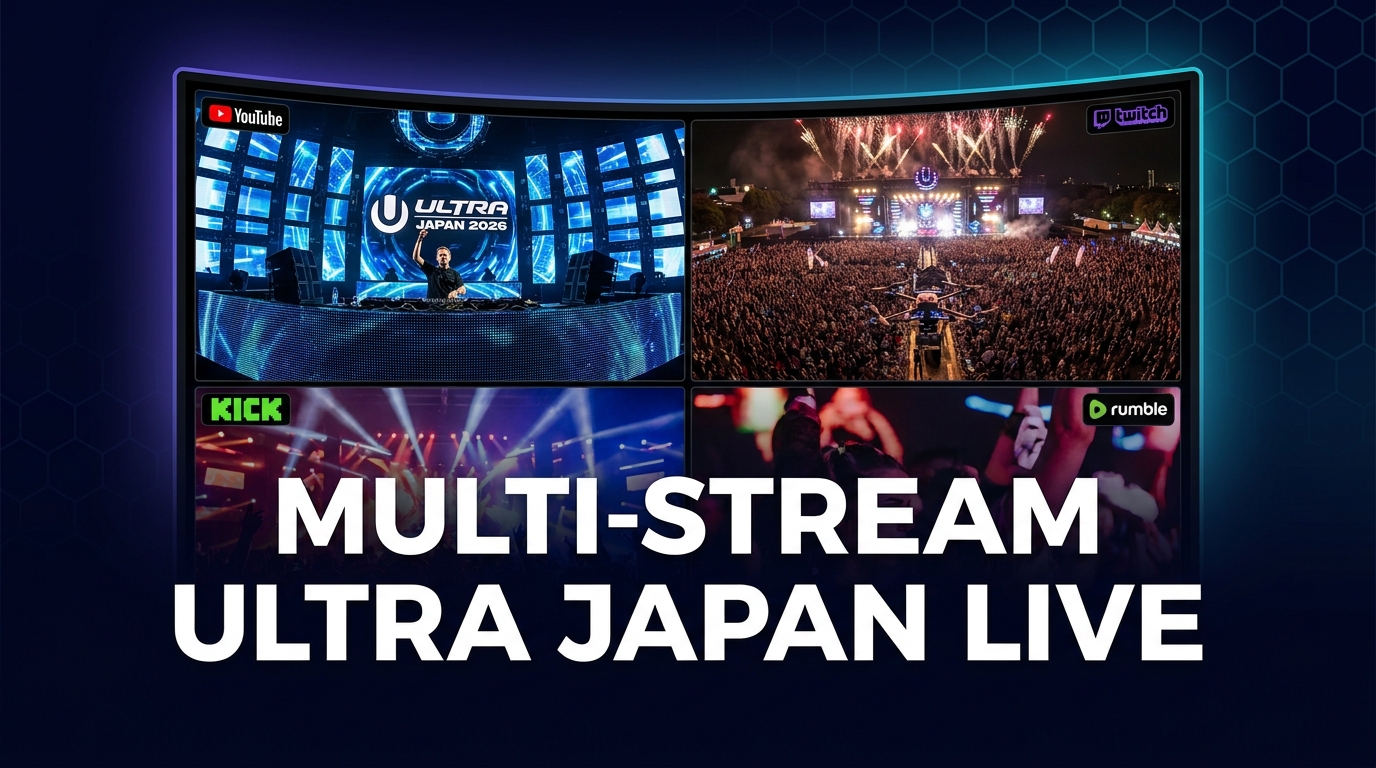
Ultra Japan is set to electrify audiences worldwide, bringing its world-renowned electronic dance music festival experience directly to your screens. As one of the premier events in the global EDM calendar, Ultra Japan is not just a single performance; it's a dynamic tapestry of stages, DJs, and experiences, often featuring multiple official live streams. Trying to keep up with every beat, every drop, and every unforgettable moment from a festival of this magnitude with just one browser tab is like trying to hear every instrument in an orchestra through a single earbud – you're missing out on the full, immersive spectacle.
This is where multi-stream viewing becomes not just a convenience, but a necessity. Imagine the main stage pulsating with energy, a secondary stage exploring different sounds, a behind-the-scenes look, and a community watch-along, all visible at the same time. ViewGrid allows you to transcend the limitations of single-stream viewing, offering an unparalleled way to engage with Ultra Japan 2026. You can create a personalized command center, ensuring you don't miss a single moment of the action, no matter how many streams are live.
What's Happening and When
Get ready to mark your calendars because Ultra Japan is scheduled to kick off on Saturday, September 19, 2026, and will continue through Sunday, September 20, 2026. This two-day music extravaganza promises to deliver an unforgettable experience, packed with performances from top-tier electronic artists. As an electronic dance music festival, Ultra Japan is known for its high-energy sets and immersive production, making it a must-watch event for fans across the globe.
Live streams for Ultra Japan are expected to be available across multiple major platforms, including YouTube, Twitch, and Kick. Ultra festivals are particularly recognized for their commitment to providing extensive coverage, often offering multiple stage streams on their official YouTube channels. This commitment to wide-ranging live content makes it an ideal candidate for multi-stream viewing, as you can follow the main stage, explore different sets on a secondary stage, and even tune into community reactions or alternative perspectives all at once.
Build Your Ultra Japan Grid in 60 Seconds
Ready to become the ultimate festival-goer, experiencing Ultra Japan from every angle simultaneously? Building your personalized multi-stream grid on ViewGrid is incredibly fast and intuitive. Here’s how you can set up your ultimate Ultra Japan viewing experience in just a few simple steps:
- Open the Multi-Stream Viewer: First, navigate your browser to the ViewGrid multi-stream viewer. This is your canvas for creating a truly dynamic and comprehensive viewing experience. You don't need to sign up or create an account; it's instantly ready to use the moment you land on the page. Just open it and you're good to go.
- Pick Your Layout: Once you're on ViewGrid, you'll see a selection of grid layouts. For an event as rich in content as Ultra Japan, we highly recommend starting with a layout that offers at least four slots. A 2x2 grid (four streams) provides an excellent balance, allowing you to monitor multiple stages or perspectives without feeling overwhelmed. This "sweet spot" layout ensures you capture the most important action while maintaining clarity for each individual stream. You can always adjust your layout later if you want to add more or fewer streams.
- Add Your Streams: This is where the magic happens. For each empty slot in your chosen grid, simply click the "Add Stream" button. A search bar will appear, allowing you to find live content from YouTube, Twitch, and Kick – all platforms expected to host Ultra Japan streams.
- * Search: Type "Ultra Japan live" or variations like "Ultra Japan main stage" directly into the search bar. ViewGrid will display relevant live streams. Look for official channels (like Ultra's official YouTube or Twitch channels) or reputable community co-streams.
- * Paste URL: If you have a direct link to a specific Ultra Japan live stream from YouTube, Twitch, or Kick, simply paste the URL into the input field. This is particularly useful if you've found a niche stream, a specific stage feed, or a fan-run watch-along that you want to include in your grid. The flexibility of adding streams via search or direct URL ensures you can curate the perfect mix of official content and community engagement.
- Unmute Your Primary Audio: Once your streams are loaded into the grid, you'll notice that all but one are muted by default. This prevents an overwhelming cacophony of sound. Simply click the speaker icon on the stream you want to hear loudest – perhaps the main stage broadcast or your favorite DJ's set. You can switch your primary audio at any time with a single click, allowing you to jump between sets or conversations seamlessly without disrupting your visual feeds.
- Share Your Grid Link with Friends: One of the most powerful features of ViewGrid is the ability to share your custom multi-stream setup. Once your grid is perfect, just copy the URL from your browser's address bar. This unique link saves your exact layout and loaded streams. Share it with friends, family, or fellow festival enthusiasts, and they can instantly open your curated Ultra Japan viewing experience, joining you in a synchronized multi-view journey. It's the ultimate way to enjoy a shared, social viewing experience, even if you're not in the same room.
A Suggested 4-Slot Plan for Ultra Japan
With Ultra Japan offering a wealth of content, planning your multi-stream layout can maximize your experience. Here’s a suggested 4-slot strategy to capture the essence of the festival:
| Slot | Stream Type | Platform(s) | Why it Works |
| Description
| Main Stage Broadcast | This stream captures the primary action, showcasing the biggest headliners and the main stage experience. It's often the highest quality production and the central point of the festival's online presence.
Ready to try multi-stream viewing?
Watch YouTube, Twitch, Kick & more — all on one screen.
Open ViewGridOr start with watch multiple Music streams at once — a ready-made grid for exactly this.
Related Articles
Experience Every Beat: Your Multi-Stream Guide to the Sea.Hear.Now Festival
Sea.Hear.Now Festival is a multi-stream event — here's how to watch every official live stream at once in one grid.
streaming guideDon't Miss a Beat: Your Ultimate Multi-Stream Guide to the iHeartRadio Music Festival with ViewGrid
iHeartRadio Music Festival is a multi-stream event — here's how to watch every official live stream at once in one grid.
streaming guideCreamfields 2026: Catch Every Beat, Every Stage, All At Once with ViewGrid's Multi-Stream Power
Creamfields 2026 is a multi-stream event — here's how to watch every official live stream at once in one grid.
streaming guideDon't Miss a Single Kick: Watch Every Karate1 Youth League Guadalajara 2026 Stream Simultaneously
Karate1 Youth League Guadalajara 2026 is a multi-stream event — here's how to watch every official live stream at once in one grid.