Twitch Multiview — Watch Multiple Twitch Streams at Once
Watch multiple Twitch streams side by side in a customizable grid layout, and mix in YouTube, Kick and Rumble. Free, no download required.
Create Your GridHow to Use ViewGrid
Add Multiple Streams Instantly
Paste any stream URL — YouTube, Twitch, Kick or Rumble. ViewGrid detects the platform automatically.
Customize Your Grid Layout
Choose how many streams you want — from 1 up to 20 on desktop, up to 6 on mobile. The grid adapts to your screen.
Follow Your Favorite Streamers
Watch all your favorite streamers at once. Share your grid with friends via a unique link.
See It in Action
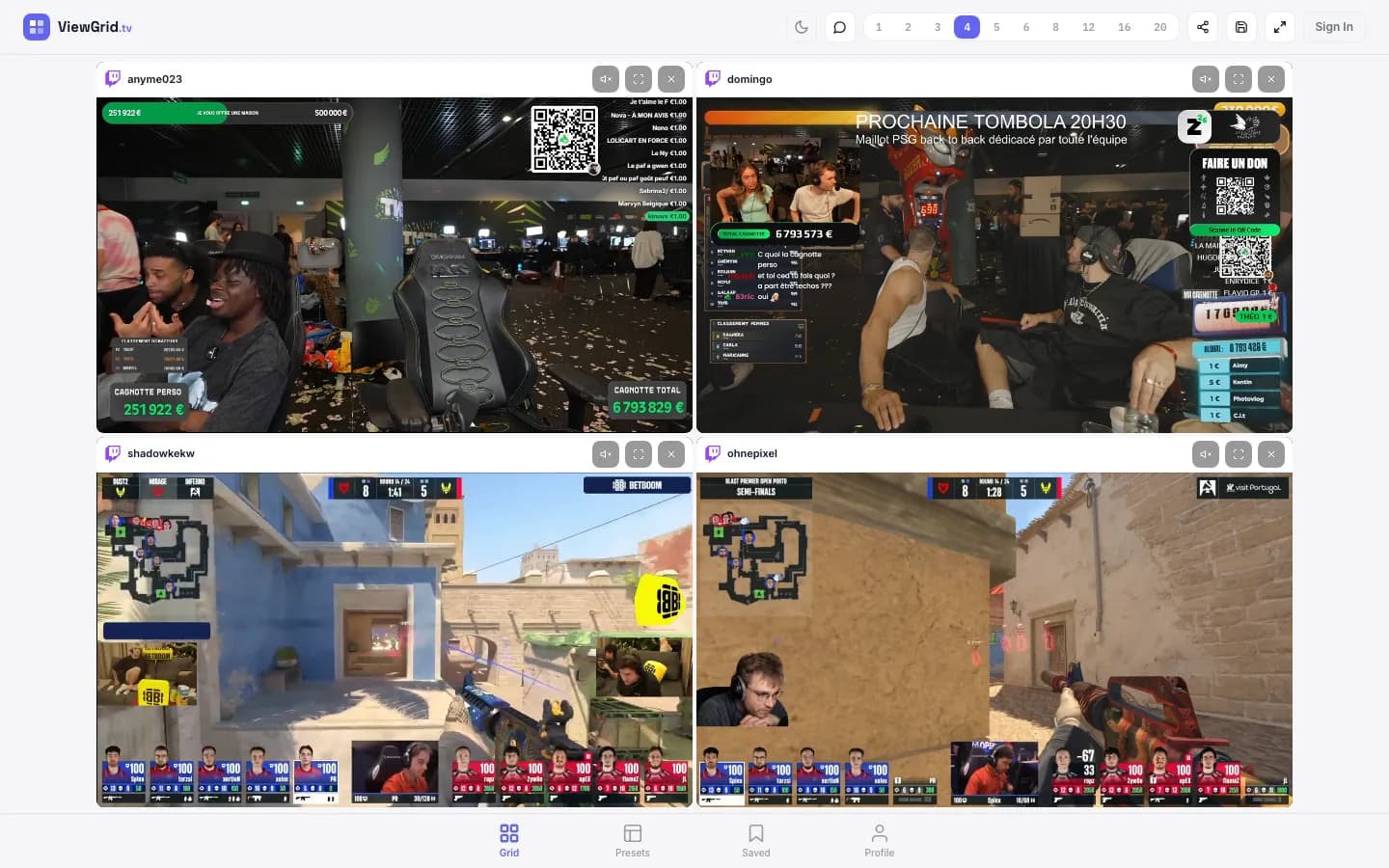
A Multitwitch Alternative That Isn't Just Twitch
Watching several Twitch channels at once used to mean an old multitwitch-style page or a row of squished browser tabs. ViewGrid gives you a cleaner Twitch multi view: paste your channels, choose a grid, and they all play together on one screen with individual mute controls. No account, no extension, no download.
Where it really pulls ahead of a classic multitwitch tool is reach. You're not locked to Twitch — the same grid can hold YouTube, Kick and Rumble streams side by side. So when your favorite creators are spread across platforms, or a co-stream is on YouTube while the main event is on Twitch, you keep everything in one layout instead of bouncing between sites.
It's built mobile-first too, so a Twitch split screen that normally only works on a big monitor also works stacked on your phone. Pick how many slots you want, drop in the channels, and follow every stream at the same time.
Tips for Watching Multiple Twitch Streams
Go beyond Twitch
Mix Twitch with YouTube, Kick and Rumble in the same grid — handy for events where casters and co-streamers are spread across platforms.
Right layout for the moment
Two channels for a duo, a 2x2 for a squad, or more slots for a full tournament. The grid adapts to your screen.
Audio without the chaos
Every Twitch stream starts muted. Unmute the one you're focused on and switch as the action moves between channels.
Share the lineup
Send friends a single link that opens the exact same set of Twitch streams — no setup on their end.
Twitch events with free official streams
Frequently Asked Questions
How do I watch multiple Twitch streams at once?
Paste Twitch stream URLs into ViewGrid and they'll automatically play in a grid layout. You can watch up to 20 Twitch streams simultaneously.
Is ViewGrid better than MultiTwitch?
ViewGrid supports not only Twitch but also YouTube, Kick and Rumble — all in one grid. Plus it works great on mobile with a modern, clean interface.
Can I hear audio from multiple Twitch streams?
By default all streams start muted. You can unmute any stream by hovering over it and clicking the sound icon.
Ready to Watch?
ViewGrid is a multistream viewer that lets you watch multiple live streams in one grid. Start watching now — it's free.
Create Your GridMostly on YouTube? See YouTube multi view