US Open Tennis 2026: Master Every Serve, Volley, and Match with Multi-Stream Power
US Open Tennis is a multi-stream event — here's how to watch every official live stream at once in one grid.
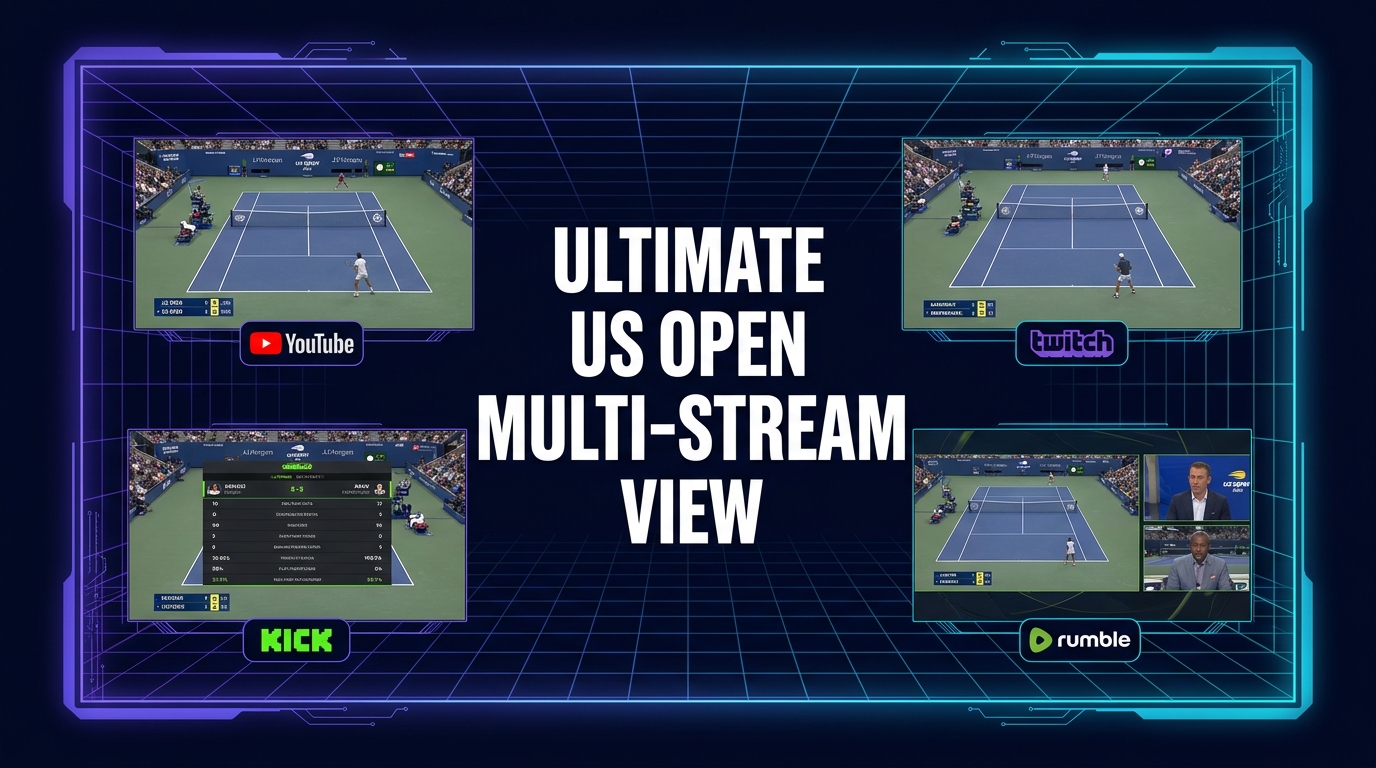
The US Open Tennis is one of the pinnacle events in the sports calendar, drawing millions of viewers worldwide. But in today's multi-platform, multi-perspective broadcasting landscape, simply opening a single tab means missing out on a significant portion of the action. With multiple courts, simultaneous matches, and a host of official and community-driven streams, keeping up with every storyline, every upset, and every legendary shot can feel like an impossible task on a single screen.
Imagine a grand slam event where the biggest matches are happening simultaneously on different courts, a fan-favorite player is battling it out on an outer court, and your favorite analyst is breaking down the latest developments, all at the same time. Trying to juggle these moments by constantly switching tabs or screens is not only frustrating but often leads to missing crucial points. This is precisely why a multi-stream setup isn't just a luxury; it's a necessity for true fans who want to immerse themselves fully in the US Open experience.
This year, the US Open Tennis promises to be an even more dynamic viewing experience, with official broadcasters offering unprecedented coverage and online platforms hosting a multitude of live streams. Instead of picking just one viewpoint, you can bring all the action together into a single, customizable grid, ensuring you don't miss a beat.
What's Happening and When
Mark your calendars! The US Open Tennis, a thrilling sports category event, kicks off on August 23, 2026, and concludes on September 13, 2026. This three-week spectacle will feature intense competition from the world's best athletes, all vying for one of tennis's most prestigious titles.
The viewing options for this event are incredibly diverse, contributing to the rich potential for multi-stream viewing. ESPN+ will be providing comprehensive coverage, carrying every match from every court, including the qualifying rounds. This extensive offering even includes "whip-around" coverage, designed to show multiple courts simultaneously – a clear indication of how much simultaneous action there will be. In the US, the tournament will also be broadcast on ESPN, ESPN2, and ABC, while numerous international partners will ensure global access.
This wealth of coverage means that live streams for the US Open Tennis will be widely available across various online platforms, including YouTube, Twitch, and Kick. From official tournament channels to licensed broadcast feeds and community watch-alongs, the digital landscape will be brimming with options. It's this abundance of choice that makes a multi-stream viewer an essential tool for any dedicated fan.
Build Your US Open Tennis Grid in 60 Seconds
Watching the US Open Tennis across multiple streams has never been easier. With our free multi-stream viewer, you can set up your personalized viewing grid in under a minute, no signup required. Here’s how:
- Open the Multi-Stream Viewer: Navigate directly to our multi-stream viewer in your browser. It’s designed for speed and simplicity, getting you straight into the action. You’ll be greeted with a clean interface ready for your streams.
- Pick Your Layout: Consider how many streams you want to follow simultaneously. For an event as rich as the US Open, a 4-slot layout is often the sweet spot, offering a perfect balance between comprehensive coverage and screen clarity. However, you have the flexibility to choose from various grid configurations, allowing you to create anything from a dual-stream comparison to an expansive grid of up to 20 streams on desktop (or 6 on mobile). Select the layout that best suits your viewing style and the number of matches you want to track.
- Add Your Streams: This is where the magic happens.
- * Click on any empty slot in your grid.
- * You’ll see an "Add Stream" option. From here, you can directly search for live US Open Tennis streams on platforms like YouTube or Twitch. Simply type in "US Open Tennis live" or specific match details to find relevant broadcasts.
- * Alternatively, if you already have a specific stream URL (from YouTube, Twitch, Kick, or Rumble), you can paste it directly into the input field. This is particularly useful if you're following a specific broadcaster's feed or a dedicated court camera.
- * Repeat this step for each slot in your chosen layout, filling your grid with all the angles and commentary you desire. Remember, all streams play using each platform's official embedded player, ensuring creators retain their views and ad revenue.
- Unmute Your Primary Stream: Once your grid is populated, you'll likely want to focus your audio on one particular match or commentary. Each stream has its own volume control. Simply click the speaker icon on the stream you wish to hear to unmute it, while others remain muted to avoid audio clashes. You can switch your primary audio source at any time with a single click.
- Share Your Grid Link with Friends: One of the coolest features? Once your perfect US Open Tennis grid is set up, the URL in your browser’s address bar automatically updates to reflect your specific multi-stream layout. You can copy this link and share it instantly with friends, family, or fellow tennis enthusiasts. They can open your curated grid with all your selected streams, allowing you to share the live experience together, even if you're not in the same room. It's a fantastic way to coordinate your viewing party remotely!
Your Suggested 4-Slot US Open Tennis Viewing Plan
To help you get started, here's a powerful 4-slot plan designed to maximize your US Open Tennis viewing experience:
| Slot | Type of Stream | Benefit |
|---|---|---|
| 1 | The Main Broadcast Feed | Dedicate your primary, largest slot to the official main broadcast of the most anticipated match or a key stadium court. This could be a feed from ESPN, ESPN2, ABC, or an international partner's official YouTube channel. This ensures you're always tuned into the biggest moments with professional commentary and high-quality production. |
| 2 | Alternate Court / Player-Specific View | With ESPN+ carrying every match on every court, there's a huge opportunity here. Use this slot to follow a specific player's match, an exciting doubles encounter, or a developing upset on a different court that isn't receiving prime-time broadcast attention. This allows you to personalize your viewing and catch every moment of your favorite athletes. |
| 3 | Community Co-stream / Watch-Along | Immerse yourself in the shared excitement of the US Open by tuning into a community co-stream or watch-along. Many popular streamers on Twitch and Kick will offer their live reactions, insightful commentary, or simply provide a fun, interactive atmosphere as they watch the matches unfold. It's like being in a virtual watch party, adding a social layer to your viewing. |
| 4 | News, Analysis & Recap Channel | Stay informed with real-time analysis, breaking news, and quick recaps. This fourth stream slot can be dedicated to a channel providing live commentary, highlights, or post-match discussions. Whether it's a dedicated tennis news channel on YouTube or a live podcast on Twitch providing instant reactions, this slot keeps you updated on broader tournament narratives and standings. |
This suggested layout provides a comprehensive view of the US Open Tennis, allowing you to follow the main narrative, dive deep into specific matches, enjoy community interaction, and stay informed on all fronts, all from a single browser tab.
Frequently Asked Questions
Is ViewGrid free to use?
Yes, our multi-stream viewer is completely free to use. There are no subscriptions, no hidden fees, and no signup required. Just open your browser and start building your grid!
How many streams can I watch at once?
On a desktop computer, you can watch up to 20 live streams simultaneously, allowing for an incredibly comprehensive view of an event like the US Open Tennis. For mobile devices, the layout is optimized to display up to 6 streams, adapting automatically to both portrait and landscape orientations for the best viewing experience.
Does it work on phones and tablets?
Absolutely! Our multi-stream viewer is designed to be fully responsive. It works seamlessly on phones, tablets, and other mobile devices. The layout automatically adapts to your screen size and orientation (portrait or landscape), ensuring you always have an optimal viewing experience for the US Open Tennis, whether you're at home or on the go.
Which streaming platforms are supported?
Our multi-stream viewer supports official embedded players from YouTube, Twitch, Kick, and Rumble. This means you can bring together streams from these diverse platforms into one unified grid, ensuring you have access to a wide range of official and community content for the US Open Tennis.
Don't Miss a Single Shot
The US Open Tennis is an event that demands your full attention, and with so many incredible matches and narratives unfolding simultaneously, a single screen just won't cut it. Break free from tab-switching frustration and elevate your viewing experience. Our free, browser-based multi-stream viewer empowers you to curate your perfect tennis experience, bringing every serve, volley, and match point into one dynamic, customizable grid.
From the opening serve on August 23, 2026, to the final championship point on September 13, 2026, ensure you're at the heart of all the action. Create your ultimate US Open Tennis viewing hub today and watch the greatest athletes in sports compete like never before. Get started now and explore more sports events on our sports hub.
Ready to try multi-stream viewing?
Watch YouTube, Twitch, Kick & more — all on one screen.
Open ViewGridRelated Articles
Gamescom 2026: Watch Every Official Live Stream at Once with ViewGrid
Gamescom 2026 is a multi-stream event — here's how to watch every official live stream at once in one grid.
streaming guideNever Miss a Lap: Command Every Angle of the Formula 1 Heineken Dutch Grand Prix 2026 with a Multi-Stream Viewer
Formula 1 Heineken Dutch Grand Prix 2026 is a multi-stream event — here's how to watch every official live stream at once in one grid.
streaming guideThe International 2026 (Dota 2): Watch Every Live Stream, Every Angle, All at Once with ViewGrid
The International 2026 (Dota 2) is a multi-stream event — here's how to watch every official live stream at once in one grid.
streaming guideEsports World Cup 2026 (Weekly Finals): Don't Miss a Single Play – Watch All Streams at Once!
Esports World Cup 2026 (Weekly Finals) is a multi-stream event — here's how to watch every official live stream at once in one grid.