How to Watch Artemis 2 Live From Multiple Camera Angles
To watch the Artemis 2 launch live from several camera angles at once, you can use a multi-stream viewer like ViewGrid. It lets you combine the official NASA broadcast, mission control feeds, and other live coverage into
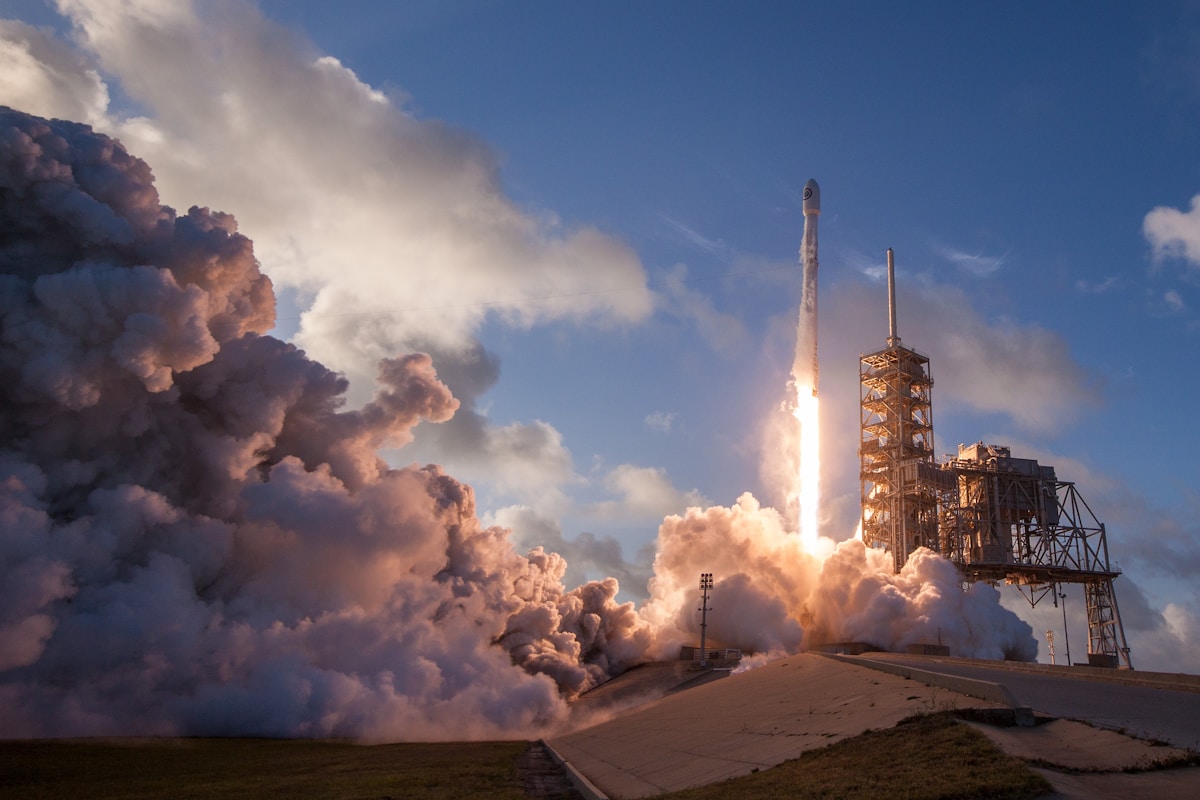
To watch the Artemis 2 launch live from several camera angles at once, you can use a multi-stream viewer like ViewGrid. It lets you combine the official NASA broadcast, mission control feeds, and other live coverage into a single, customized layout in your web browser. You just need the URLs of the different streams you want to watch.
For a major event like this, relying on a single broadcast means you only see what the director chooses. With multiple streams, you can build your own mission control dashboard, keeping an eye on the main launch pad camera, the astronauts' onboard view, and expert commentary simultaneously.
Why Use Multiple Streams for a Space Launch?
A rocket launch is a complex event with many moving parts. Official broadcasters do a great job, but they have to cut between different shots. By building your own viewing grid, you get a more complete picture.
Here are a few feeds you might want to combine to watch Artemis 2 live:
NASA's Main Broadcast: This is the primary, narrated feed. It provides the official countdown, key event callouts, and high-quality shots from the launch complex. This is usually the best stream for clear audio commentary.
Onboard Camera Feeds: Often, separate streams are available showing views from cameras mounted on the rocket or inside the Orion capsule. These give you a direct, unfiltered look at the astronauts' experience and the journey into orbit.
Mission Control View: Some broadcasts offer a dedicated stream of the flight directors and engineers in Houston. This view gives you a sense of the immense coordination happening behind the scenes.
Independent Commentary: Many space-focused creators and news outlets on YouTube and Twitch provide their own live analysis. Adding one of these streams can offer a different perspective or deeper technical explanations than the official broadcast.
By combining these, you don't have to miss a critical moment in mission control because the main feed was showing an exterior shot. You can have it all on one screen.
How to Set Up Your Artemis 2 Viewing Grid
You can create a custom layout for the launch in a few steps. You don't need an account to get started.
- Find Your Stream Sources
- Before the launch, find the URLs for the streams you want to watch. NASA will broadcast on its official YouTube channel. Other agencies, like the Canadian Space Agency (CSA), might also have coverage. Look for streams on YouTube, Twitch, or Rumble. Copy the link for each one.
- Open ViewGrid
- Navigate to viewgrid.tv in your web browser. You'll see an empty grid with a bar at the top to add streams.
- Add Your Streams
- Paste the first stream's URL into the input field at the top and press Enter. The video will appear in the grid. Repeat this for each stream you want to add. You can also use the search function to find live YouTube streams directly without leaving the page.
- Choose Your Layout
- Use the layout selector in the toolbar to arrange your screens. On a desktop computer, you can choose a layout with up to 20 streams. On a phone, you can have up to 6. A simple 4-stream grid is often a good starting point for a launch.
- Manage Audio
- All streams start muted so you don't hear everything at once. Click the speaker icon on the stream you want to listen to. Clicking another stream's speaker icon will instantly switch the audio source. This lets you easily toggle between NASA's official commentary and an analyst's explanation.
- Open the Chat
- If you're watching a stream from Twitch, YouTube, or Kick that has live chat, you can open it in a side panel. Click the chat icon in the toolbar and select the stream whose chat you want to follow.
The Easy Way: Use a Ready-Made Grid
To make things simpler, we often create pre-built grids for major events like this. You can check the Events Calendar closer to launch day for an "Artemis 2" preset. A single click will load a curated layout with the key NASA feeds already in place, saving you the setup time.
Watching on Different Devices
You can watch your multi-stream layout on more than just a computer monitor.
On a Phone or Tablet
ViewGrid works in mobile browsers. The mobile version is designed for smaller screens, supporting up to 6 simultaneous streams. There are also dedicated ViewGrid apps for iOS and Android that provide the same experience.On a TV
Getting your grid onto a big screen usually involves one of a few methods. Keep in mind these rely on your devices' capabilities, not a specific ViewGrid feature. TV Web Browser: If your smart TV has a good web browser, you can navigate directly to viewgrid.tv.
HDMI Cable: The most reliable method is to connect a laptop to your TV with an HDMI cable, turning the TV into a second monitor.
* Screen Mirroring: You can also use your computer or phone's built-in screen mirroring function (like AirPlay or Miracast) to send your browser window to the TV.
For more detailed information on this topic, you can read our guide, "How to Watch Multiple Streams on Your TV".
A Few Practical Tips
To get the most out of your viewing experience, here are a few things to remember.
Internet Connection: Streaming multiple high-definition videos at once requires a stable and reasonably fast internet connection. If you notice buffering, try closing a few streams or lowering the resolution on individual videos using the player's settings.
Share Your Layout: The URL in your browser's address bar automatically updates to include all the streams in your grid. If you create a layout you like, you can simply copy the URL and send it to a friend. When they open the link, they'll see the exact same setup.
* Focus View: If something important happens in one of your smaller windows, just click on that stream. It will temporarily become the large, "focused" window until you click it again.
Watching a historic event like the Artemis 2 mission is always exciting. By using a multi-stream setup, you can create a far more detailed and personal viewing experience, putting yourself in the director's chair for humanity's return to the Moon.
Ready to try multi-stream viewing?
Watch YouTube, Twitch, Kick & more — all on one screen.
Open ViewGridOr browse all multi-stream categories.
Related Articles
Don't Miss a Second: Watch Every Falcon 9 Block 5 | Crew-13 Launch Stream Simultaneously
Falcon 9 Block 5 | Crew-13 Launch is a multi-stream event — here's how to watch every official live stream at once in one grid.
streaming guideFalcon Heavy Roman Space Telescope Launch: Multi-Stream Viewing Guide
Falcon Heavy | Nancy Grace Roman Space Telescope Launch is a multi-stream event — here's how to watch every official live stream at once in one grid.
streaming guideSame Story, Five Channels: What You Notice When You Watch News Side by Side
Open four or five channels during a breaking story and the editorial choices become visible: what leads, who speaks, what's left out. A practical guide to watching news side by side.
streaming guideElection Night on One Screen: Why You Should Watch More Than One Channel
Every channel gets the same results and tells a different story. How to line up the official election-night broadcasts on one screen, and what we saw on Sweden's election night.