Asian Games 2026: Free Official Streams and Multi-Stream Guide
Asian Games 2026 coverage belongs to rights holders in each country. Here is the free official stream we could confirm on YouTube and how to line it up with commentary streams in one grid.
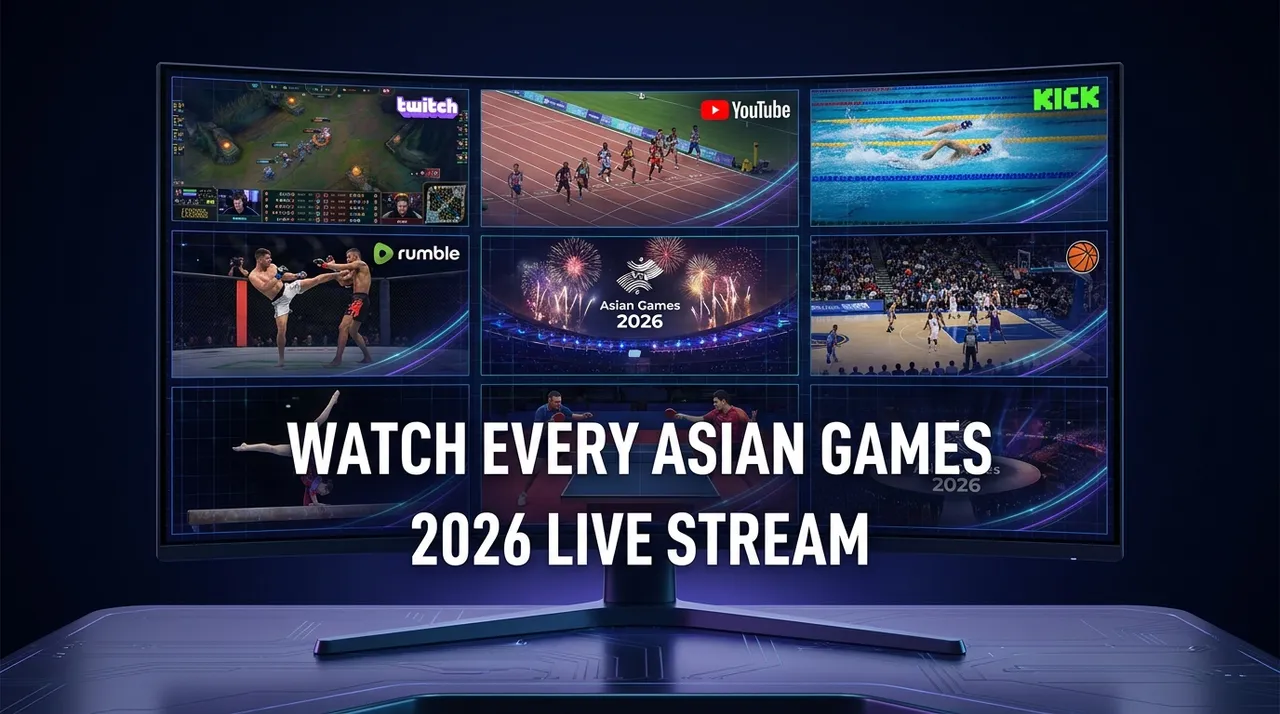
The Asian Games 2026 are fast approaching, promising an exhilarating showcase of athletic prowess across a vast array of sports. As a major multi-sport event, this grand spectacle brings with it an unprecedented challenge for fans: how to possibly keep up with all the action. Imagine the dilemma – multiple thrilling events happening simultaneously across different venues, each with its own dedicated live stream. A single browser tab simply won't cut it when you're faced with a sporting event of this magnitude.
From the opening ceremony to the final medal presentations, the Asian Games will feature countless moments of triumph, drama, and pure athletic genius. But with so many events unfolding concurrently, relying on traditional viewing methods means you're constantly forced to choose, missing out on potential highlights. Whether it's a nail-biting finish in track and field, a strategic play in team sports, or a record-breaking performance in swimming, the sheer volume of content makes it impossible to catch everything in real-time with a single screen. This is precisely where a multi-stream viewer like ViewGrid becomes indispensable, transforming your viewing experience from a fragmented juggle to a comprehensive, customizable sports control center.
What's Happening and When
Get ready for an action-packed period as the Asian Games 2026 are scheduled to officially kick off on September 19, 2026, and run through to October 4, 2026. This span of over two weeks will be jam-packed with world-class competition. Coverage belongs to the rights holder in each country, and most of them (for example SBS in Australia or i-CABLE in Hong Kong) keep their streams inside their own apps, which can't be added to a grid. The free official coverage we could confirm on YouTube is India's public broadcaster Doordarshan, which streams a daily live feed on the Prasar Bharati Sports channel; availability outside India may vary. Around that, creators and commentators cover the Games live on YouTube, Twitch and Kick.
Build Your Asian Games 2026 Grid in 60 Seconds
Don't let the sheer volume of Asian Games 2026 content overwhelm you. ViewGrid makes it incredibly simple to curate your own ultimate viewing experience, allowing you to watch the available live streams side by side. Here’s how you can set up your personalized Asian Games command center in under a minute:
- Open the Multi-Stream Viewer: Head directly to ViewGrid's multi-stream viewer page. You'll be greeted with a clean, intuitive interface ready for your live streams. There's no signup required, no hassle – just pure, instant access to multi-stream power.
- Pick Your Layout: ViewGrid offers a flexible grid system, allowing you to choose how many streams you want to watch simultaneously and how they're arranged. While you can go big with up to 20 streams on desktop, we suggest starting with a 4-slot layout. This provides a fantastic sweet spot for keeping an eye on multiple key events without feeling overwhelmed. It’s perfect for following a main broadcast while tracking a few other crucial competitions or commentary channels.
- Add Your Asian Games Streams: This is where the magic happens. Click on any empty slot in your chosen grid and select "Add Stream." You have a few powerful options here:
- * Search Live on YouTube/Twitch: ViewGrid allows you to directly search for live streams on YouTube and Twitch from within the platform. Simply type in "Asian Games 2026" or the name of a specific sport or broadcaster (like "Prasar Bharati Sports") to find live feeds.
- * Paste a URL: If you already have a direct link to an official live stream from YouTube, Twitch, Kick, or Rumble, simply paste it into the designated field. This is incredibly useful for specific event feeds, official broadcaster streams, or pre-scheduled content.
Crucially, ViewGrid uses each platform's official embedded player. This means ViewGrid does not host or re-stream any video, and each platform's own ads and view-counting rules apply. You're watching legitimate, high-quality streams, directly from the source.
- Focus Your Audio: With multiple streams playing, you'll want to focus on the commentary for one primary event. Simply click on the speaker icon on your preferred stream to unmute it, and ensure the others remain muted. You can switch your audio focus at any time, allowing you to jump between different commentators or crucial moments with a single click.
- Share Your Grid with Friends: Once you've perfected your Asian Games 2026 viewing setup, ViewGrid generates a unique, shareable link for your customized grid. Copy this link and send it to your friends, family, or fellow sports enthusiasts. They can open your exact multi-stream layout instantly, making it perfect for shared viewing experiences, collaborative analysis, or just ensuring everyone is on the same page for the biggest moments of the Games.
Ready to try multi-stream viewing?
Watch YouTube, Twitch, Kick & more — all on one screen.
Open ViewGridOr start with watch multiple Sports streams at once — the page built for exactly this.
Related Articles
Premier Padel Rotterdam P2 2026: Multi-Court Viewing Guide
Premier Padel Rotterdam P2 is a multi-stream event — here's how to watch every official live stream at once in one grid.
streaming guideRothesay County Championship Final Round 2026: Watch Every Wicket Live with a Multi-Stream Viewer
Rothesay County Championship Final Round 2026 is a multi-stream event — here's how to watch every official live stream at once in one grid.
streaming guideDon't Miss a Single Kick: Watch Every Karate1 Youth League Guadalajara 2026 Stream Simultaneously
Karate1 Youth League Guadalajara 2026 is a multi-stream event — here's how to watch every official live stream at once in one grid.
streaming guideFIDE Chess Olympiad 2026: Watch Every Gambit, Every Strategy, Across All Streams Simultaneously
FIDE Chess Olympiad 2026 is a multi-stream event — here's how to watch every official live stream at once in one grid.