ViewGrid Multi-Stream App: Web, iPhone, Android, Fire TV
Where you can use ViewGrid today: the web, iPhone and iPad, Android, Amazon Fire TV with your phone as the remote, and extensions for Chrome, Edge and Firefox.
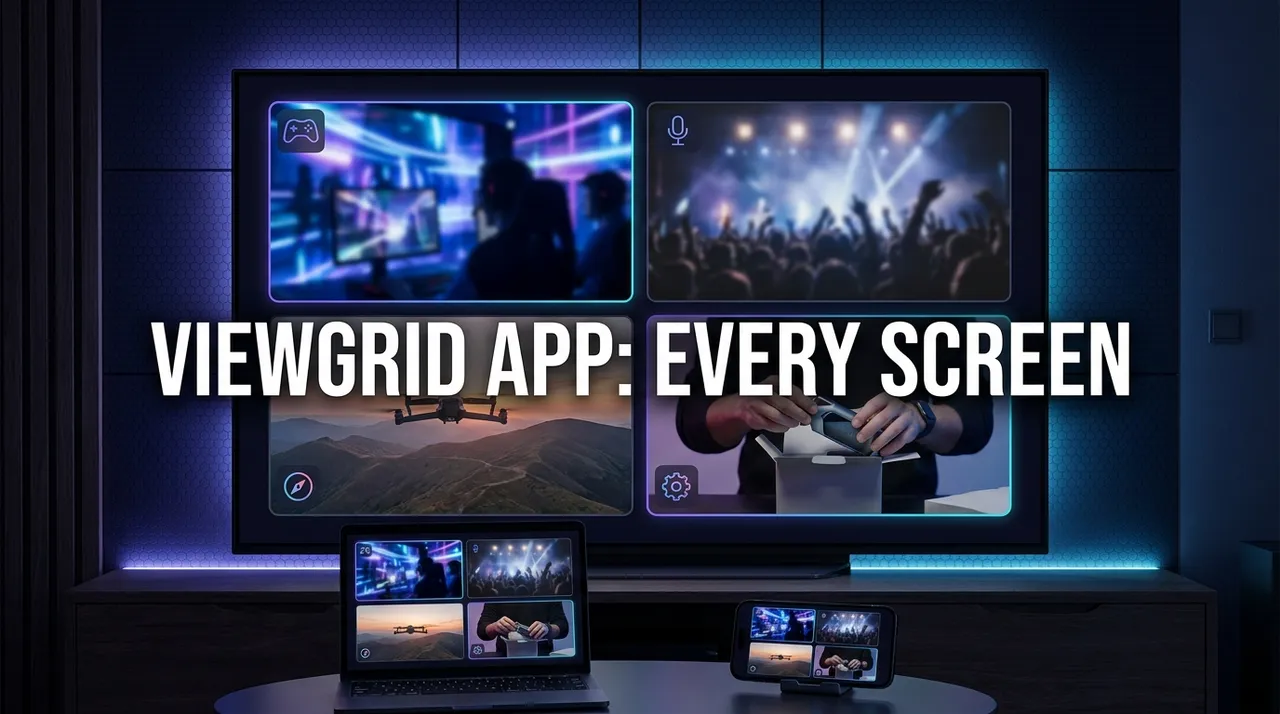
ViewGrid is a free multi-stream app that lets you watch several live streams from YouTube, Twitch, Kick and Rumble side by side on one screen. You can use it on the web at viewgrid.tv, as an app on iPhone, iPad and Android, on Amazon Fire TV, and through browser extensions for Chrome, Edge and Firefox. Watching needs no account, and every stream plays in its platform's own official player.
This page is our overview of where ViewGrid runs today and what you can do on each screen. We keep it up to date as new platforms go live.
Where you can use ViewGrid
| Where | What you get | Get it |
|---|---|---|
| Web browser | Up to 20 streams on desktop, nothing to install | viewgrid.tv |
| iPhone and iPad | The grid, events and your live home in an app | App Store |
| Android phones and tablets | The same app for Android | Google Play |
| Amazon Fire TV | TV mode, with your phone as the remote | Amazon Appstore |
| Any smart TV browser | The same TV mode, no install | viewgrid.tv/tv |
| Chrome and Edge | One-click "add this stream to my grid" | Chrome Web Store |
| Firefox | The same extension for Firefox | Firefox Add-ons |
On the web: The full grid, nothing to install
The web version is where ViewGrid started, and it is still the most capable screen. Open viewgrid.tv, paste a stream link and ViewGrid recognises the platform on its own. Add more links and pick a layout, from a single stream up to 20 on a desktop or laptop.
Every stream starts muted. Click the one you want to hear and the sound moves to it. You can open the live chat for a Twitch, YouTube or Kick stream in a panel next to the grid, and add any stream that offers a direct HLS (m3u8) link.
Each grid is also a link. Copy it, send it to a friend or post it in your community, and whoever opens it sees the same streams in the same layout.
On iPhone, iPad and Android: The multi-stream app in your pocket
The ViewGrid app brings the same idea to phones and tablets. Search for live channels or paste a link, and watch up to 6 streams at once on a phone. If you came here looking for how to watch multiple Twitch streams on mobile, this is the shortest route: install the app, add the channels and they play together in one grid.
The app also includes the events calendar and your live home, the page that shows which of the channels you follow are live right now. Sign in with the same account you use on the web and your followed channels come with you.
- iPhone and iPad: Download on the App Store
- Android: Get it on Google Play
On your TV: Fire TV app, and your phone as the remote
Watching several streams on a TV usually means typing links with arrow keys. ViewGrid's TV mode removes that step. The TV shows a QR code and a six-digit code. Scan it with your phone, or open viewgrid.tv/remote and type the code, and your phone becomes the remote.
From the phone you search live channels on YouTube, Twitch and Kick or paste a link, and each stream appears on the TV right away. Tap a stream on your phone to switch the sound to it, or press and hold to show it full screen.
- Amazon Fire TV: install the free ViewGrid app from the Amazon Appstore. It opens straight into TV mode.
- Other smart TVs: open the TV's web browser and go to
viewgrid.tv/tv.
How many videos a TV can play at the same time depends on its hardware. On TVs that can only play one video at a time, ViewGrid's single mode plays one stream with sound and keeps the others on screen as preview images. Our full guide to watching multiple streams on your TV covers the other options too, such as connecting a laptop with HDMI.
In your browser: Chrome, Edge and Firefox extensions
Most people find a stream while they are already watching it. The ViewGrid extension is built for that moment. On any Twitch, YouTube or Kick stream page, click the ViewGrid icon and the stream joins your list. Keep adding, then open them all side by side in one click. On a YouTube channel page, you can open all of that channel's live streams as one grid.
The extension needs no account and only works with the tab you are on. It is available for Chrome (it also works in Microsoft Edge and other Chromium browsers) and for Firefox. The Chrome extension guide walks through it step by step.
What people watch with ViewGrid
A multi-stream grid is useful whenever one broadcast is not the whole story. These are the patterns we see most:
- Esports and creator events. The official broadcast next to the co-streams, or every player's point of view in a creator tournament, so you never miss a moment happening on someone else's screen.
- Sports with many courts or lanes. Federations often stream each court, mat or lane as a separate feed. A grid keeps them all in view while you listen to one.
- News and launches. Several channels covering the same breaking story, or a rocket launch from more than one camera.
- Streamers you follow. Your favourite channels live at the same time, in one place, instead of a row of tabs.
For scheduled events, the ViewGrid events calendar does the setup for you. Each event page lists the official, free broadcasts and opens them together in one grid when the event goes live. If you want a reminder, tap Remind me and we send one email when it starts.
How we build ViewGrid
ViewGrid does not host or re-stream video. Every stream plays inside its platform's own official player, so each platform's rules for advertising and view counting apply as usual. Our events calendar lists official, free broadcasts only.
As of October 2026, more than 2,700 people have created a ViewGrid account, and in the last 30 days visitors came from 157 countries. Watching stays free and needs no sign-up. We add new screens when they are ready for real use, and this page is where we list them.
Frequently asked questions
Is there a ViewGrid app?
Yes. ViewGrid has apps for iPhone and iPad on the App Store, for Android on Google Play, and for Amazon Fire TV on the Amazon Appstore. You can also use it in any web browser at viewgrid.tv, and add streams from Chrome, Edge or Firefox with the ViewGrid extension.
Is ViewGrid free?
Yes. Watching is free on every platform, and you do not need an account to build or share a grid. A free account adds your live home, followed channels and event reminders.
Can I watch multiple streams on Fire TV?
Yes. Install the ViewGrid app from the Amazon Appstore, then pair your phone with the code on the TV screen and pick streams from your phone. How many play at once depends on the device; on TVs that play one video at a time, the others stay on screen as previews.
How many streams can I watch at once?
Up to 20 on a desktop or laptop and up to 6 on a phone. On a TV it depends on the TV's hardware.
Does the ViewGrid extension work in Firefox and Edge?
Yes. The extension is available on Firefox Add-ons for Firefox and on the Chrome Web Store for Chrome. The Chrome version also works in Microsoft Edge and other Chromium-based browsers.
Which platforms does ViewGrid support?
YouTube, Twitch, Kick and Rumble, plus direct HLS (m3u8) stream links on the web version. You can mix them in the same grid.
Ready to try multi-stream viewing?
Watch YouTube, Twitch, Kick & more — all on one screen.
Open ViewGridOr browse all multi-stream categories.
Related Articles
ViewGrid for Chrome: Add the Stream You Are Watching to a Grid in One Click
The free ViewGrid extension for Chrome and Edge adds the YouTube, Twitch or Kick stream you are on to a grid with one click. No account needed, no permissions beyond the current tab.
newsYour Live Home: Follow Twitch, YouTube and Kick Channels in One Place
ViewGrid members now get a home page of their own: every Twitch, YouTube and Kick channel they follow in one list, who is live right now, one-tap grids, event reminders and a wall of new videos.
streaming guideDEDsafío 4 final week: how to watch every POV
DEDsafío Minecraft 4 has no main broadcast: every creator streams their own POV en directo on Kick. Here is the final-week schedule in UTC, with the Gulag on 16 October and the BOSS FINAL on 17 October, and how to keep several POVs on one screen.
streaming guideHow to Watch Worlds 2026 Co-Streams Side by Side
Worlds 2026 starts with the Play-In on 15 October (18:00 UTC) and the Swiss Stage from 23 October. Here is the schedule in UTC and ET, how Riot's invitation-based co-streaming works, and how to keep the official feed, a co-streamer and a language channel on one screen.