What Is ViewGrid? The Complete Guide to Watching Multiple Streams at Once
ViewGrid is a free multi-stream viewer for watching multiple live streams at once across YouTube, Twitch, Kick and Rumble. Here's exactly what it is, what it does, and how to use it.
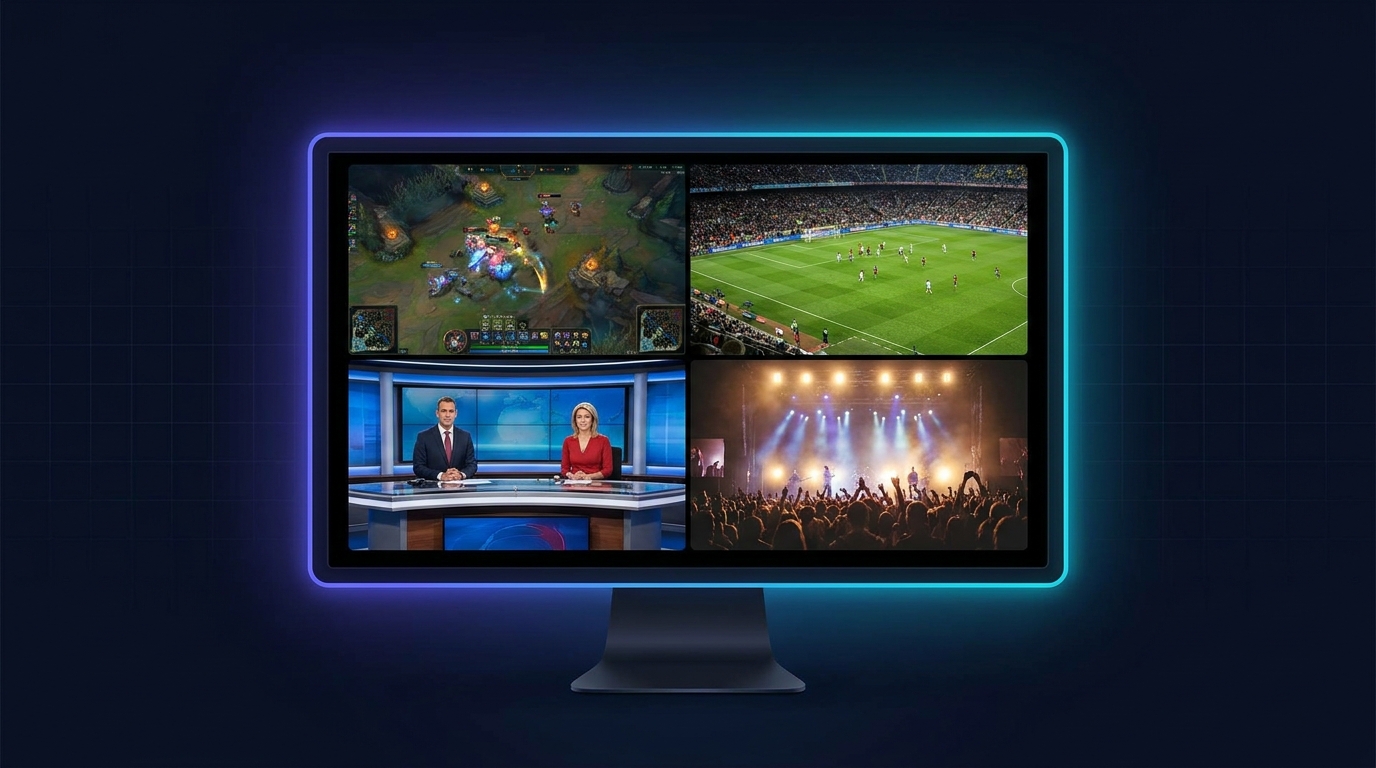
What Is ViewGrid?
ViewGrid is a free multi-stream viewer that lets you watch multiple live streams at the same time on a single screen. You can combine streams from YouTube, Twitch, Kick, Rumble, and even raw HLS/m3u8 sources into one customizable grid — up to 12 streams at once. There is no signup, no ads, and no premium tier: ViewGrid is completely free, and it works on web browsers, iOS, and Android.
In short: instead of switching between browser tabs or apps to follow different live streams, ViewGrid puts them all side by side so you never miss a moment.
What ViewGrid Does
- Watch up to 12 live streams at once in a clean grid layout
- Supports multiple platforms — YouTube, Twitch, Kick, Rumble, and HLS/m3u8
- Mix platforms freely — watch a Twitch streamer and a YouTube broadcast in the same grid
- Save your layouts and reload them with one tap
- Share with a single link — friends see the exact same grid instantly
- Works everywhere — mobile-first design with native iOS and Android apps
- 100% free — no account, no ads, no hidden costs
How to Use ViewGrid (Step by Step)
- Open the viewer. Go to viewgrid.tv/multi-stream or open the ViewGrid app.
- Add a stream. Paste any YouTube, Twitch, Kick, Rumble, or m3u8 URL. ViewGrid detects the platform automatically. You can also search for live YouTube and Twitch channels by name.
- Choose your layout. Pick how many streams you want — 1, 2, 4, 6, 8, or up to 12. The grid adapts to your screen.
- Watch and control. All streams play together. Mute or unmute any one, tap a stream to focus it full-screen, and rearrange as you like.
- Save or share. Save your grid as a preset, or copy the share link to send the exact setup to friends.
That's it — you can be watching multiple streams in about ten seconds, with no account required.
Which Platforms Does ViewGrid Support?
| Platform | Supported |
|---|---|
| YouTube (live & videos) | ✅ Yes |
| Twitch | ✅ Yes |
| Kick | ✅ Yes |
| Rumble | ✅ Yes |
| HLS / m3u8 (live TV, cameras) | ✅ Yes |
This is the key difference from older tools like MultiTwitch and Multistre.am, which only support Twitch. ViewGrid lets you mix all of these platforms in a single grid.
Popular Use Cases
- Esports: Watch multiple player POVs and the main broadcast at once during Valorant, League of Legends, CS2, or Dota 2 tournaments.
- Sports: Follow several games simultaneously — the FIFA World Cup 2026, NFL Sundays, NBA playoffs, soccer fixtures, F1 onboards, cricket, UFC, and tennis Grand Slams.
- News: Compare live coverage from CNN, BBC, Al Jazeera, and more, side by side.
- Finance & trading: Monitor multiple crypto and trading analysts' live charts on one screen.
- Content creators: Keep an eye on multiple streamers across platforms at the same time.
- Worship & music: Watch multiple church services or festival stages live.
Is ViewGrid Free?
Yes. ViewGrid is completely free — there is no signup, no ads, and no premium tier. You can watch up to 12 simultaneous streams without paying anything or creating an account. Optional sign-in (Google, Apple, or email) only exists if you want to save layouts across devices.
ViewGrid vs MultiTwitch and Multistre.am
MultiTwitch and Multistre.am were among the first tools for watching several streams at once, but they only support Twitch and have dated, desktop-only interfaces. ViewGrid is the modern alternative: it supports YouTube, Twitch, Kick, and Rumble together, has native mobile apps, lets you save and share layouts, and is built with a clean, current design. For a detailed breakdown, see ViewGrid vs MultiTwitch.
Frequently Asked Questions
Is ViewGrid free?
Yes, completely free — no signup, no ads, no premium tier.
How many streams can I watch at once?
Up to 12 simultaneous live streams in a single grid.
What platforms does ViewGrid support?
YouTube, Twitch, Kick, Rumble, and HLS/m3u8 streams.
Does ViewGrid work on mobile?
Yes. There are native iOS and Android apps, plus a mobile-optimized web app.
Do I need an account?
No. You can use all core features without signing up. An optional account only lets you save layouts across devices.
Can I watch YouTube and Twitch at the same time?
Yes — ViewGrid lets you mix streams from different platforms in the same grid.
Get Started
Ready to watch multiple streams at once? Open viewgrid.tv/multi-stream, paste your stream URLs, and build your grid in seconds. It's free, works on any device, and there's nothing to install on the web.
Ready to try multi-stream viewing?
Watch YouTube, Twitch, Kick & more — all on one screen.
Open ViewGridOr browse all multi-stream categories.
Related Articles
All Things Go Festival 2026: Watch Every Live Stream Side-by-Side
All Things Go Festival is a multi-stream event — here's how to watch every official live stream at once in one grid.
streaming guideWitness Every Angle: Your Multi-Stream Guide to the Formula 1 Qatar Airways Azerbaijan Grand Prix 2026
Formula 1 Qatar Airways Azerbaijan Grand Prix 2026 is a multi-stream event — here's how to watch every official live stream at once in one grid.
streaming guideRothesay County Championship Final Round 2026: Watch Every Wicket Live with a Multi-Stream Viewer
Rothesay County Championship Final Round 2026 is a multi-stream event — here's how to watch every official live stream at once in one grid.
streaming guideConquer Fat Bear Week 2026: Your Ultimate Multi-Stream Viewing Guide
Fat Bear Week 2026 is a multi-stream event — here's how to watch every official live stream at once in one grid.