Fortnite FNCS Global Championship 2026: How to Watch Every Stream
Fortnite FNCS Global Championship 2026 is a multi-stream event — here's how to watch every official live stream at once in one grid.
Update, October 2026: The FNCS Global Championship 2026 finished on September 27, 2026. The guide below is kept for reference. For esports events that are live now or coming up, see the event calendar.
The world of competitive gaming is a spectacle of strategy, skill, and split-second decisions. Nowhere is this more apparent than in the Fortnite FNCS Global Championship, an event that brings together the best players from around the globe to battle for ultimate supremacy. As a premier esports event, the Fortnite FNCS Global Championship 2026 isn't just one stream; it's a dynamic ecosystem of official broadcasts, alternate perspectives, and community watch parties spread across multiple platforms like YouTube, Twitch, and Kick.
For the dedicated fan, trying to keep up with all the action on a single screen or in one browser tab is like trying to catch every meteor in a shower with a teacup. You'll inevitably miss crucial plays, tactical shifts, or the unique insights offered by different commentators. How do you follow the main broadcast, keep an eye on a specific player's perspective, and catch a favorite co-streamer's reactions all at once? This is where ViewGrid steps in, transforming your viewing experience from fragmented to fully immersive.
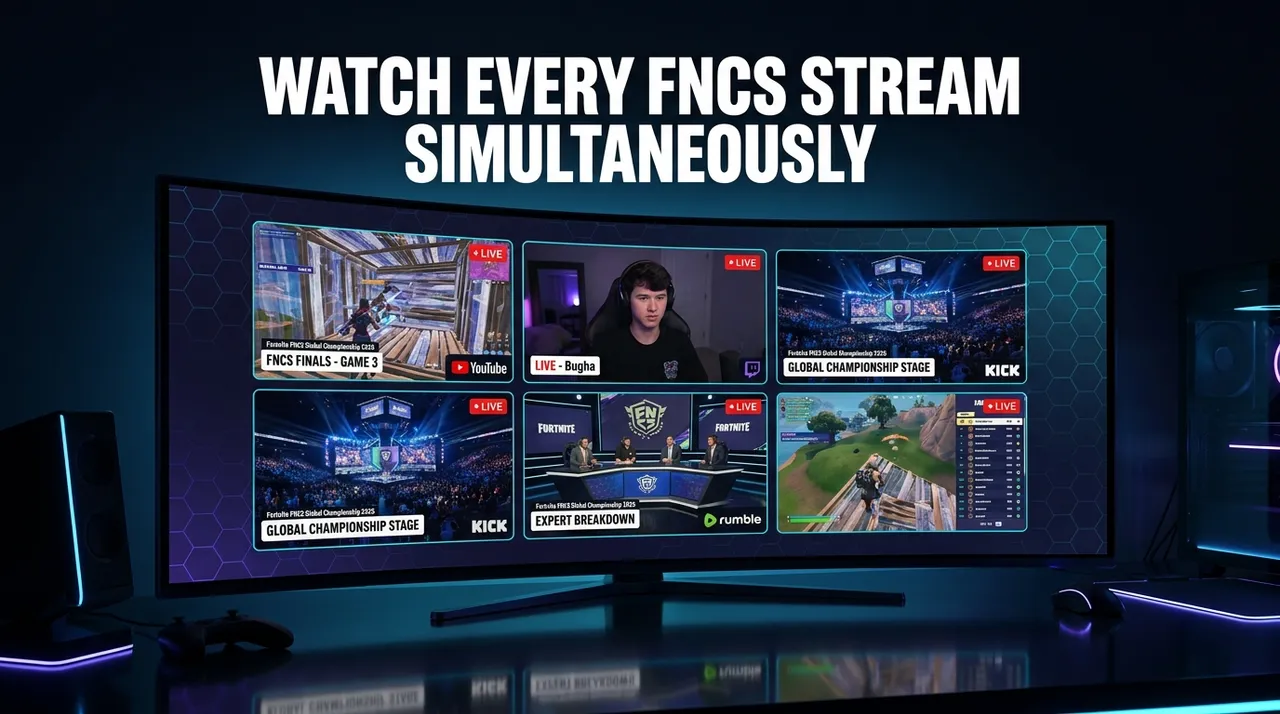
With ViewGrid, you can build your ultimate viewing command center, pulling in every live stream from the Fortnite FNCS Global Championship 2026 that matters to you. Imagine seeing the main stage, a close-up of a top player's POV, and a passionate community analysis side-by-side, all synchronized and ready for you to dive deep into every moment. No more tabbing back and forth, no more missed clutch plays – just pure, unadulterated esports action, exactly how you want to see it.
What's Happening and When: The Fortnite FNCS Global Championship 2026
Mark your calendars! The Fortnite FNCS Global Championship 2026 is scheduled to ignite the esports world from September 26, 2026, to September 27, 2026. This two-day extravaganza promises non-stop, high-stakes Fortnite competition, showcasing the pinnacle of competitive play. Make sure you're ready to experience every angle of this major esports event, from the opening shots to the final victory royale.
The Multi-Stream Advantage for Esports Fans
Why is a multi-stream setup essential for an event like the Fortnite FNCS Global Championship? Esports events are inherently complex and multifaceted. The main broadcast provides the overarching narrative, professional commentary, and expert analysis of the broad strokes of the competition. However, much of the nuanced action happens at a micro-level – individual player decisions, unique rotational strategies, or crucial build battles.
Often, official channels or dedicated players will offer alternate streams, such as player-perspective (POV) feeds, map overview cams, or even streams focusing on specific teams. Beyond the official coverage, the vibrant community of Fortnite content creators on Twitch, YouTube, and Kick will undoubtedly host co-streams, watch-alongs, and analysis shows, providing different flavors of commentary, humor, and fan interaction.
Trying to juggle all these valuable perspectives with traditional browser tabs is not just cumbersome; it's detrimental to the viewing experience. You're constantly pausing, rewinding, or worse, missing live moments. A multi-stream viewer eliminates these frustrations, letting you customize your personal broadcast, ensuring you capture every angle and every insight, exactly as it unfolds.
Build Your Fortnite FNCS Global Championship 2026 Grid in 60 Seconds
Getting started with ViewGrid for the Fortnite FNCS Global Championship 2026 is incredibly simple and takes less than a minute. The best part? It's completely free, and there's no signup required. You just open your browser and start watching. Here’s how to set up your ultimate viewing station:
- Open the Multi-Stream Viewer: Navigate to the ViewGrid multi-stream viewer in your web browser. You'll be presented with a clean interface, ready for you to start adding your streams.
- Pick Your Layout: Choose a layout that suits your preference. For an event like the FNCS Global Championship, a 4-slot grid is often the sweet spot, allowing you to monitor several key streams without feeling overwhelmed. However, ViewGrid supports up to 20 streams on desktop and 6 on mobile, so you can tailor it exactly to your needs.
- Add Your Streams: Click on an empty slot in your grid. A search bar will appear. You can either:
- * Search Live: Type "Fortnite FNCS Global Championship 2026" or relevant keywords into the search bar. ViewGrid will display live streams from YouTube, Twitch, and Kick that match your query. Look for the official Fortnite channels on Twitch and YouTube, which will carry the primary broadcasts.
- * Paste a URL: If you have a direct link to a specific stream (e.g., a player's POV stream on Twitch, a community watch party on YouTube, or a news channel on Kick), simply paste the URL directly into the search bar.
- Unmute Your Primary Stream: Once your streams are loaded, you'll likely want to hear the commentary from one main source. Click the speaker icon on your preferred primary stream to unmute it. You can adjust the volume of individual streams to create your perfect audio mix.
- Share Your Grid Link: Found the perfect combination of streams? ViewGrid automatically generates a unique URL for your specific grid configuration. Copy this link and share it with your friends or fellow fans so they can instantly join your curated viewing experience. It's the ultimate way to enjoy the Fortnite FNCS Global Championship 2026 together, even when you're apart.
Your Suggested 4-Slot Viewing Plan for FNCS Global Championship 2026
To help you get started, here’s a suggested 4-slot plan for maximizing your Fortnite FNCS Global Championship 2026 viewing experience. Remember, this is a template – feel free to mix and match based on what's live and what interests you most!
| Slot | Stream Type | Why It's Useful |
|---|---|---|
| 1 | Main Broadcast (Official) | This is your primary source for the core tournament experience. The official Fortnite channels on Twitch and YouTube will provide the main feed with professional casters, expert analysis, replays, and overall tournament progression. Essential for understanding the bigger picture. |
| 2 | Alternate View / Player POV | If available, a dedicated stream focusing on a specific top player's perspective or an alternate camera angle can be invaluable. This allows you to witness the micro-decisions, build battles, and aim mechanics of a pro, giving you a unique tactical insight that the main broadcast might not always highlight. |
| 3 | Community Co-stream / Watch-along | Many popular content creators and streamers on Twitch, YouTube, and Kick host their own watch parties during major esports events. These offer a more relaxed, community-focused experience with unique reactions, humor, and often deep game knowledge from a fan's perspective. It's a great way to feel connected to the broader Fortnite community. |
| 4 | News, Stats, or Recap Channel | Dedicate a slot to a channel that provides real-time statistics, live leaderboards, quick match recaps, or ongoing analysis between games. This helps you stay fully informed on player standings, meta shifts, and key takeaways from each round, ensuring you don't miss any crucial details as the tournament progresses. |
This dynamic setup empowers you to experience the Fortnite FNCS Global Championship 2026 with unparalleled depth. You can watch the high-level strategy unfold on the main screen, appreciate individual player brilliance, enjoy community banter, and stay informed on statistics all at the same time. This is truly the next evolution of esports spectatorship.
Frequently Asked Questions about Multi-Streaming with ViewGrid
Q: Is ViewGrid free to use?
A: Yes, ViewGrid is completely free. There are no subscriptions, no hidden fees, and no signup required. Just open your browser and start building your grid.
Q: How many streams can I watch at once?
A: On desktop, you can watch up to 20 streams simultaneously. On mobile devices, ViewGrid optimizes the experience for smaller screens, allowing you to watch up to 6 streams at once.
Q: Does ViewGrid work on phones and tablets?
A: Absolutely! ViewGrid is designed to be fully responsive. Whether you're on a phone, tablet, or desktop, the layout automatically adapts to portrait or landscape orientation, ensuring a smooth and optimized viewing experience wherever you are.
Q: Which streaming platforms does ViewGrid support?
A: ViewGrid supports live streams from the most popular platforms: YouTube, Twitch, Kick, and Rumble. This ensures you can pull in official broadcasts, community co-streams, and diverse content from across the web for the Fortnite FNCS Global Championship 2026.
Don't Miss a Single Moment of the FNCS Global Championship 2026
The Fortnite FNCS Global Championship 2026 is more than just a tournament; it's a celebration of skill, competition, and the global Fortnite community. With so much happening across various platforms, relying on a single stream means missing out on a significant part of the story. ViewGrid empowers you to be everywhere at once, transforming your viewing experience into a truly comprehensive and engaging event.
Get ready to immerse yourself in the action like never before. Head over to the multi-stream viewer and start building your ultimate Fortnite FNCS Global Championship 2026 command center. Discover a new way to watch competitive gaming and become a true master of the multi-stream. For more incredible esports viewing experiences, be sure to check out our esports hub. The future of live event viewing is here, and it's free, flexible, and ready for you.
Ready to try multi-stream viewing?
Watch YouTube, Twitch, Kick & more — all on one screen.
Open ViewGridOr start with watch multiple Esports streams at once — the page built for exactly this.
Related Articles
EMEA Masters Summer 2026: How to Watch Every Match and Co-Stream
EMEA Masters Summer 2026 is a multi-stream event — here's how to watch every official live stream at once in one grid.
streaming guideDon't Miss a Second: How to Watch PGL Wallachia Season 9 (Dota 2) with Every Stream at Once
PGL Wallachia Season 9 (Dota 2) is a multi-stream event — here's how to watch every official live stream at once in one grid.
streaming guideRocket League World Championship 2026: Catch Every Angle with a Multi-Stream Viewer
Rocket League World Championship 2026 is a multi-stream event — here's how to watch every official live stream at once in one grid.
streaming guideFlame Fatales 2026: Multi-Stream Viewing Guide
Flame Fatales 2026 is a multi-stream event — here's how to watch every official live stream at once in one grid.