Flame Fatales 2026: Multi-Stream Viewing Guide
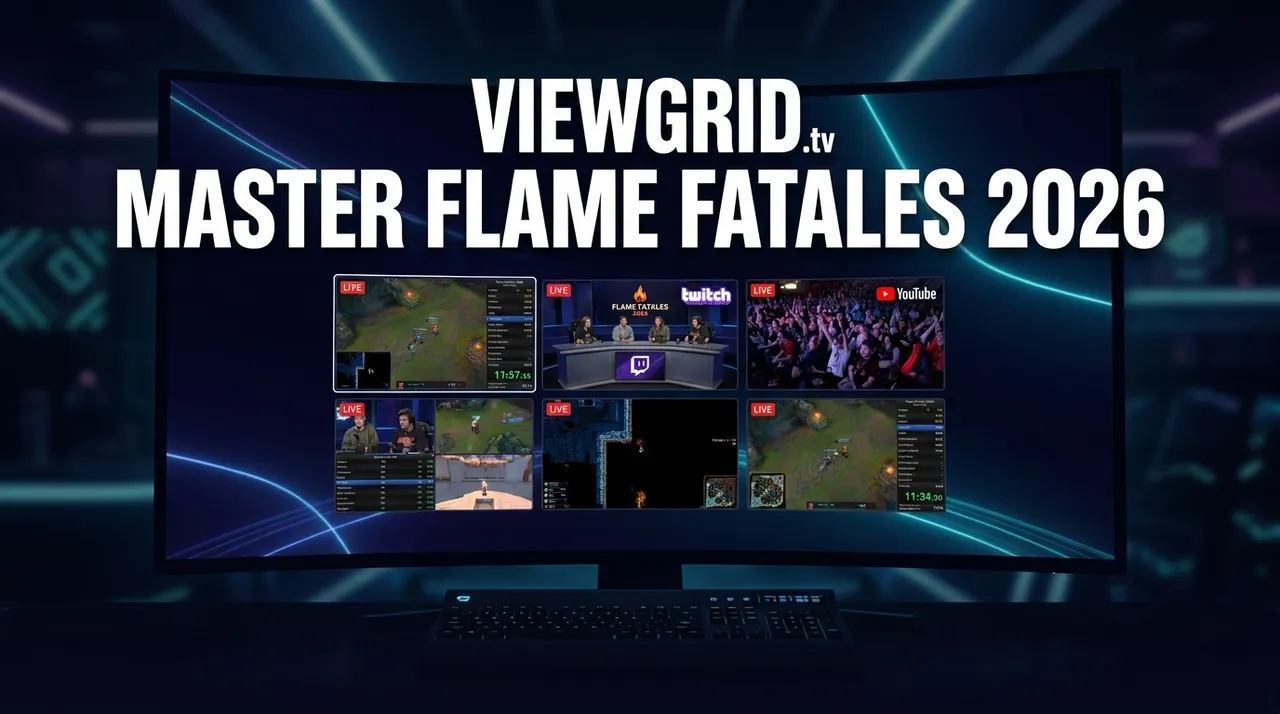
Flame Fatales 2026 is a multi-stream event — here's how to watch every official live stream at once in one grid.
Update, October 2026: Flame Fatales 2026 finished on September 19, 2026. The guide below is kept for reference. For what is live now and coming up, see the event calendar.
The thrill of esports is undeniable, and few events capture the community spirit and competitive intensity quite like a speedrunning marathon. Flame Fatales 2026 is set to ignite screens worldwide, bringing together top talent for a week of high-octane gameplay. But for an event of this magnitude, simply watching one live stream just isn't enough. With multiple official language restreams, player-perspective feeds, and community watch parties, a single browser tab will leave you missing out on much of the action.
This is where ViewGrid changes the game. Imagine being able to follow the main English broadcast, a specific runner's point-of-view, a French-language commentary, and even a live news and recap channel—all side-by-side, in perfect sync, on one screen. ViewGrid (viewgrid.tv) is your free, browser-based multi-stream viewer designed precisely for events like Flame Fatales 2026, allowing you to build your ultimate custom viewing experience using official embedded players from YouTube, Twitch, Kick, and Rumble. No sign-up, no hidden fees, just pure, unadulterated multi-stream glory.
What's Happening at Flame Fatales 2026 and When
Get ready to mark your calendars! Flame Fatales 2026 is an esports spectacle running from September 13, 2026, through September 19, 2026. This highly anticipated speedrunning marathon will feature incredible skill, nail-biting finishes, and community-driven excitement. The event's live streams will be available across multiple major platforms, including YouTube, Twitch, and Kick, ensuring broad accessibility for fans globally.
What makes Flame Fatales truly unique is its commitment to a global audience, offering multiple official language restreams. Beyond the main English broadcast, viewers can often find dedicated feeds in French, German, Spanish, Russian, and Japanese. This rich diversity of content means there's more to watch than ever before, and with ViewGrid, you don't have to choose just one. You can follow the primary commentary while simultaneously keeping an eye on a localized broadcast or a specific player's perspective, deepening your immersion and understanding of the event.
Build Your Flame Fatales 2026 Grid in 60 Seconds
Ready to become a multi-stream master? Setting up your personalized viewing grid for Flame Fatales 2026 on ViewGrid is incredibly fast and intuitive. Here’s how you can transform your viewing experience in just a few simple steps:
- Open the ViewGrid Multi-Stream Viewer: Head over to viewgrid.tv in your browser. You'll be greeted with a clean, empty canvas ready for your chosen streams. There’s no software to download, no accounts to create, just instant access to powerful multi-streaming.
- Pick Your Layout: ViewGrid offers a variety of grid layouts, from simple two-stream setups to expansive grids. For an event like Flame Fatales 2026, a 3x3 or even a 2x2 layout is often the sweet spot, allowing you to comfortably follow 4-9 streams without feeling overwhelmed. You can easily adjust the layout at any time to add or remove slots as needed.
- Add Your Streams: This is where the magic happens. Click on any empty slot or the "Add Stream" button. You can then search directly for live streams on YouTube or Twitch by typing in relevant keywords (e.g., "Flame Fatales 2026 live," "Flame Fatales French," or "speedrun POV"). Alternatively, if you have a direct URL for a specific live stream from YouTube, Twitch, Kick, or Rumble, simply paste it into the input box. ViewGrid uses each platform's official embedded player, so each platform's own ads and view-counting rules apply, and you get a legitimate, high-quality stream.
- Unmute Your Primary Stream and Adjust Others: Once your streams are loaded, you'll likely want to focus on one main audio track. Unmute your primary broadcast (e.g., the main English commentary) and adjust the volume on any other streams you're watching for background ambience or keep them muted if you prefer. You can toggle audio, refresh streams, or swap them out with ease.
- Share Your Perfect Grid: Found the ultimate combination of streams? ViewGrid generates a unique, shareable link for your customized grid. Copy this link and send it to friends, fellow fans, or your community. They can open it directly in their browser and instantly join your multi-stream experience, making collaborative viewing easier than ever. It's perfect for watch parties, sharing insights, or just ensuring everyone is on the same page.
Your Suggested 4-Slot Flame Fatales 2026 Viewing Plan
With so many streams available during Flame Fatales 2026, deciding what to watch can be tough. Here’s a suggested 4-slot setup to maximize your viewing pleasure and ensure you don’t miss a beat:
| Slot | Stream Type | Why It's Essential |
|---|---|---|
| 1 | Main Event Broadcast (English) | This is your primary window into Flame Fatales 2026. It will feature the official commentary, expert analysis, and main camera angles of the runners. This stream provides the foundational narrative and overview of the marathon. Keep this one unmuted for all the essential information and play-by-play. |
| 2 | Alternate Language Restream | Thanks to Flame Fatales 2026's commitment to a global audience, you can often find official restreams in languages like French, German, Spanish, Russian, or Japanese. If you're multilingual or learning a new language, this slot lets you follow the event with commentary that resonates more deeply or helps you practice. It’s a fantastic way to experience the event from a different cultural perspective. |
| 3 | Runner POV / Player Cam | For speedrunning enthusiasts, seeing the game from the runner's perspective is invaluable. Many top players stream their own gameplay, offering an unadulterated view of their inputs, reactions, and strategies. This stream provides an intimate look at the skill required, allowing you to appreciate the precision and execution in a way the main broadcast can't fully convey. |
| 4 | Community Co-stream / Watch-Along | Speedrunning is as much about community as it is about competition. Many content creators and community figures host their own co-streams or watch-alongs, offering unique, often more casual, commentary and reactions. This slot adds a social layer to your viewing, letting you feel like you're watching with friends, sharing in the hype, and experiencing the event through a different, often humorous, lens. |
This setup ensures you're fully immersed in the Flame Fatales 2026 experience, covering the main event, international perspectives, deep dives into gameplay, and community engagement. You can, of course, customize this to your liking, perhaps swapping a language stream for another POV, or adding a news channel for updates on the broader esports scene.
Frequently Asked Questions About ViewGrid
Is ViewGrid free to use?
Absolutely! ViewGrid is completely free to use, offering a premium multi-stream viewing experience without any subscription fees or hidden costs. Just open your browser and start building your grid.
How many streams can I watch at once?
On desktop, ViewGrid supports up to 20 simultaneous live streams, giving you unparalleled control over your viewing experience. For mobile devices, the layout dynamically adapts, allowing you to comfortably watch up to 6 streams at once, perfect for on-the-go viewing.
Does ViewGrid work on phones and tablets?
Yes! ViewGrid is fully browser-based and responsive. The interface and stream layouts automatically adapt to both portrait and landscape orientations on your phone or tablet, ensuring a seamless viewing experience no matter your device.
Which platforms does ViewGrid support?
ViewGrid allows you to watch live streams from YouTube, Twitch, Kick, and Rumble. It plays directly from each platform's official embedded player, meaning you get high-quality streams; each platform's own ads and view-counting rules apply.
Don't Miss a Single Frame of Flame Fatales 2026
Flame Fatales 2026 is poised to be an unforgettable event in the esports calendar, filled with incredible speedruns, community moments, and global camaraderie. With so much happening across multiple platforms and languages, relying on a single stream means missing out on a significant portion of the action.
ViewGrid empowers you to be everywhere at once. Whether you're tracking the main English broadcast, diving into a French-language restream, following a specific runner's POV, or joining a community watch party, ViewGrid delivers it all on one screen. Get ready to elevate your Flame Fatales 2026 viewing experience to new heights. Visit viewgrid.tv and start building your ultimate esports command center today, and explore more events on our dedicated esports hub.
Ready to try multi-stream viewing?
Watch YouTube, Twitch, Kick & more — all on one screen.
Open ViewGridOr start with watch multiple Esports streams at once — the page built for exactly this.
Related Articles
Fortnite FNCS Global Championship 2026: How to Watch Every Stream
Fortnite FNCS Global Championship 2026 is a multi-stream event — here's how to watch every official live stream at once in one grid.
streaming guideEMEA Masters Summer 2026: How to Watch Every Match and Co-Stream
EMEA Masters Summer 2026 is a multi-stream event — here's how to watch every official live stream at once in one grid.
streaming guideDon't Miss a Second: How to Watch PGL Wallachia Season 9 (Dota 2) with Every Stream at Once
PGL Wallachia Season 9 (Dota 2) is a multi-stream event — here's how to watch every official live stream at once in one grid.
streaming guideRocket League World Championship 2026: Catch Every Angle with a Multi-Stream Viewer
Rocket League World Championship 2026 is a multi-stream event — here's how to watch every official live stream at once in one grid.