EMEA Masters Summer 2026: How to Watch Every Match and Co-Stream
EMEA Masters Summer 2026 is a multi-stream event — here's how to watch every official live stream at once in one grid.
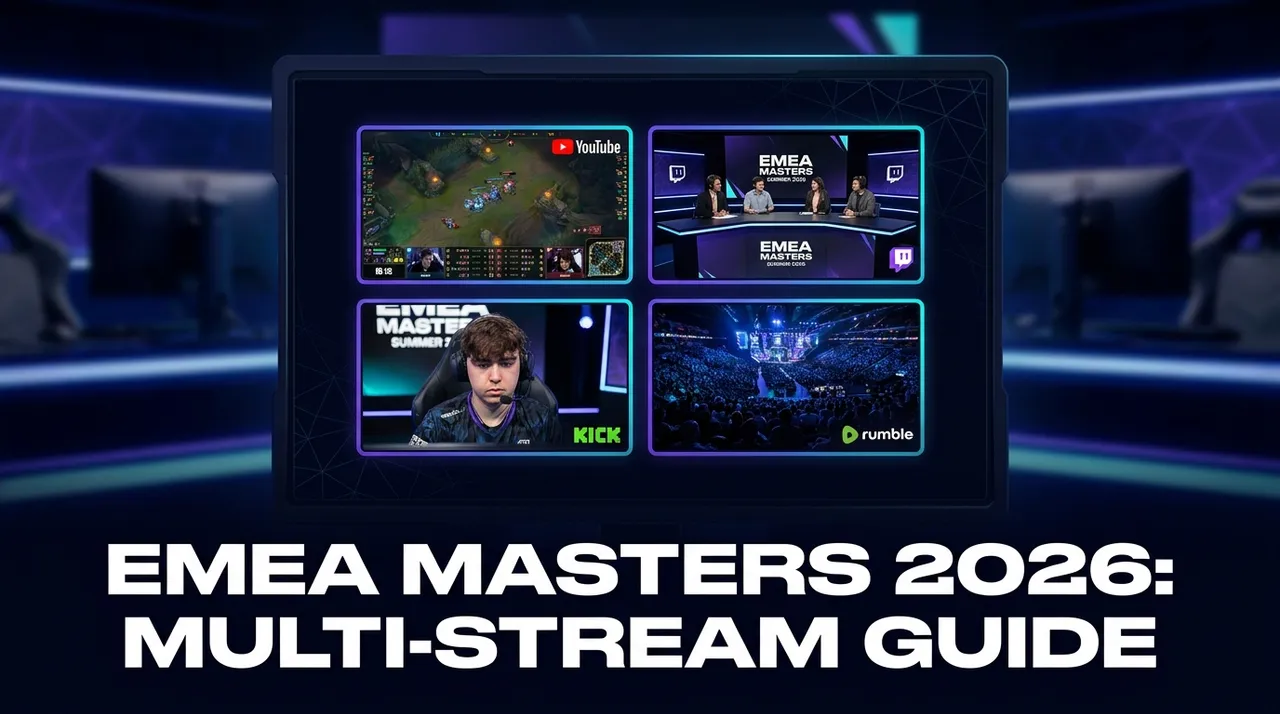
Update, October 2026: The EMEA Masters Summer 2026 playoffs are underway: semifinals start October 7 and the grand final is on October 23, 2026. The live grid and schedule are on the EMEA Masters Summer 2026 event page.
The EMEA Masters Summer 2026 is on the horizon, promising a month of electrifying League of Legends esports action. With 42 teams vying for regional glory in this major tournament, viewers are guaranteed an abundance of high-stakes matches. For an event of this magnitude, featuring so many teams and a rigorous schedule, it's highly probable that multiple games will be played simultaneously, especially during the early stages. Furthermore, Riot-organized events like the EMEA Masters typically offer a rich array of viewing options: multiple language broadcasts, A/B streams for concurrent matches, and sometimes even dedicated player-perspective (POV) streams, all free to watch.
This wealth of content, while fantastic for fans, presents a challenge: how do you keep up with everything? Watching just one stream in a single browser tab means missing out on crucial plays, an alternative language commentary, or a beloved community co-stream. Traditional viewing methods simply can't capture the full breadth of the EMEA Masters Summer 2026 experience. This is precisely where a dedicated multi-stream viewer becomes indispensable, transforming your viewing setup into a command center where you can watch every official stream side-by-side.
What's Happening and When: EMEA Masters Summer 2026
Get ready for over a month of intense competition! The EMEA Masters Summer 2026 is a premier esports event, focusing on the tactical depth and high-skill gameplay of League of Legends.
The tournament officially kicks off on September 21, 2026, and will run through to the grand finale on October 23, 2026. This extended period ensures a comprehensive series of matches, from thrilling group stages with likely concurrent games, through tense knockouts, all the way to the climactic championship. While specific match schedules and broadcast times will be announced closer to the event by the official organizers, fans can anticipate a packed viewing experience across YouTube, Twitch, and Kick. Be sure to check the official LoL esports channels and regional league channels for the definitive schedule as the start date approaches.
Build Your EMEA Masters Summer 2026 Grid in 60 Seconds
Watching multiple official streams of the EMEA Masters Summer 2026 doesn't require complex software or technical know-how. With ViewGrid, a free browser-based multi-stream viewer, you can set up your personalized esports command center in moments. Here's how to create your ultimate viewing grid:
- Open ViewGrid: Simply navigate your browser to ViewGrid.tv. There's no need to sign up, download anything, or create an account. The platform is ready to use instantly, making it the fastest way to start watching multiple live streams.
- Pick Your Layout: Once on the site, you'll see options for different grid layouts. While ViewGrid supports up to 20 streams on desktop (and 6 on mobile), for an event like EMEA Masters Summer 2026, a 4-slot layout is often the sweet spot. It allows you to comfortably follow several key broadcasts without feeling overwhelmed, offering a balanced view of the action. You can always change your layout later if you need more or fewer slots.
- Add Your Streams: This is where the magic happens. For each slot in your chosen grid, click "Add Stream." You have two primary ways to find the official EMEA Masters Summer 2026 streams:
- * Search Live: Use the built-in search functionality to look for "EMEA Masters Summer 2026" or "League of Legends esports" on platforms like YouTube, Twitch, and Kick. The search will display live results, allowing you to quickly identify official broadcasts.
- Paste a URL: If you already have the direct URL for an official stream (e.g., from the official LoL esports channels on Twitch or YouTube, or a regional league channel), simply paste it into the "Add Stream" box. ViewGrid uses each platform's official embedded player*, so each platform's own ads and view-counting rules apply, and you're always watching legitimate content.
- Master Your Audio: With multiple streams playing, you'll want to focus on the audio from one primary broadcast. By default, ViewGrid will only allow one stream's audio to be active at a time to prevent a cacophony of sound. Simply click on any stream to make it the active audio source. If you want to switch, just click on another stream, and its audio will take over, allowing you to seamlessly transition between commentators or languages. You can also mute individual streams if you prefer to have them visible without sound.
- Share Your Perfect Setup: Once your grid is perfectly arranged with all the streams you want to watch, you'll notice that your browser's URL has updated to reflect your unique grid configuration. You can copy this URL and share it directly with friends, fellow fans, or your community. When they open the link, they'll see the exact same multi-stream setup you've created, making it incredibly easy to share a curated viewing experience for the EMEA Masters Summer 2026.
This incredibly simple process makes ViewGrid the go-to multi-stream viewer for any esports fan looking to maximize their viewing experience for major events like the EMEA Masters.
A 4-Slot EMEA Masters Summer 2026 Viewing Plan
To help you get started, here's a suggested 4-slot layout that maximizes your immersion in the EMEA Masters Summer 2026, combining different types of official and community content. Remember, all streams play in their official embedded players, supporting the creators directly.
| Slot 1: Main Broadcast Stream | Slot 2: Alternate View / POV Stream | Slot 3: Community Co-stream / Watch-along | Slot 4: News & Analysis Channel |
|---|---|---|---|
| What to Watch: The primary, official broadcast for the main game of interest. This will typically feature the highest production quality, main language commentary, and official analyst desk segments. | What to Watch: An alternative official stream. This could be: - A secondary language broadcast - An A/B stream for a concurrent match - An official analyst desk dedicated to deep dives - A specific player POV (if officially provided). | What to Watch: A popular community co-stream or watch-along from a well-known streamer or content creator. Many esports personalities receive official permission to host these, offering a fan's perspective, unique reactions, and often highly engaging chat interaction. | What to Watch: A channel dedicated to pre-game analysis, post-game breakdowns, highlights, interviews, or even VODs of previous matches. This keeps you informed and provides context, even if it's not live gameplay. You can also use this for a VOD of a match you missed earlier in the day. |
| Why it's Essential: This is your core viewing experience, providing the most polished and official commentary on the key match. | Why it's Essential: Crucial for monitoring concurrent matches, understanding different perspectives, or catching analysis in another language. It ensures you don't miss out on important developments elsewhere in the tournament. | Why it's Essential: Adds a layer of community engagement and entertainment. It offers a fresh, often more personal, perspective on the game, distinct from the official broadcast's professional commentary. | Why it's Essential: Provides invaluable context, analysis, and up-to-date information, enhancing your understanding of team strategies, player performances, and overall tournament narratives. It's your hub for staying truly informed. |
By combining these different types of streams, you'll gain an unparalleled, comprehensive view of the EMEA Masters Summer 2026. You can follow the main game, glance at a concurrent match, enjoy a favorite streamer's reactions, and keep up with expert analysis, all without ever leaving your personalized ViewGrid setup.
Frequently Asked Questions
Is ViewGrid free to use for the EMEA Masters Summer 2026?
Yes, absolutely! ViewGrid is completely free to use. There are no hidden costs, subscriptions, or sign-ups required. You can simply open your browser, navigate to ViewGrid.tv, and start building your multi-stream layout instantly.How many streams can I watch simultaneously on ViewGrid?
ViewGrid is highly scalable. On a desktop computer, you can watch up to 20 live streams concurrently, allowing you to create an incredibly detailed command center for events with many parallel matches. For mobile devices (smartphones and tablets), ViewGrid supports up to 6 simultaneous streams, with the layout adapting for optimal viewing.Does ViewGrid work on mobile phones and tablets?
Yes, ViewGrid is designed to be fully responsive. It works seamlessly on mobile phones and tablets, adapting its layout to both portrait and landscape orientations automatically. You can build your multi-stream grid and enjoy the EMEA Masters Summer 2026 from anywhere, on any device.Which streaming platforms does ViewGrid support for EMEA Masters Summer 2026?
For the EMEA Masters Summer 2026, you can find official live streams on YouTube, Twitch, and Kick, all of which are fully supported by ViewGrid. Additionally, ViewGrid generally supports streams from Rumble, offering broad compatibility for various live content.Don't Miss a Single Moment
The EMEA Masters Summer 2026 is set to be an epic event, filled with strategic plays, incredible moments, and the rise of new League of Legends legends. With so much happening across multiple official streams, relying on a single tab means missing out. ViewGrid empowers you to take control of your viewing experience, combining all the official broadcasts, community watch-alongs, and analytical content into one unified, customizable grid.
Embrace the future of esports viewing. Set up your personalized multi-stream command center for the EMEA Masters Summer 2026 and every other major esports event. Visit ViewGrid.tv today and explore more esports content on our dedicated esports hub. Get ready to catch every crucial play, every strategic move, and every winning moment, all in one place.
Ready to try multi-stream viewing?
Watch YouTube, Twitch, Kick & more — all on one screen.
Open ViewGridOr start with watch multiple Esports streams at once — the page built for exactly this.
Related Articles
Fortnite FNCS Global Championship 2026: How to Watch Every Stream
Fortnite FNCS Global Championship 2026 is a multi-stream event — here's how to watch every official live stream at once in one grid.
streaming guideDon't Miss a Second: How to Watch PGL Wallachia Season 9 (Dota 2) with Every Stream at Once
PGL Wallachia Season 9 (Dota 2) is a multi-stream event — here's how to watch every official live stream at once in one grid.
streaming guideRocket League World Championship 2026: Catch Every Angle with a Multi-Stream Viewer
Rocket League World Championship 2026 is a multi-stream event — here's how to watch every official live stream at once in one grid.
streaming guideFlame Fatales 2026: Multi-Stream Viewing Guide
Flame Fatales 2026 is a multi-stream event — here's how to watch every official live stream at once in one grid.