Your Go-To Streaming Multi View App for YT, Twitch, Kick & Rumble
Tired of tab chaos? Dive into the world of multi-streaming! Learn why a dedicated streaming multi view app is essential for watching multiple streams from Twitch, YouTube, Kick, and more, all at once.
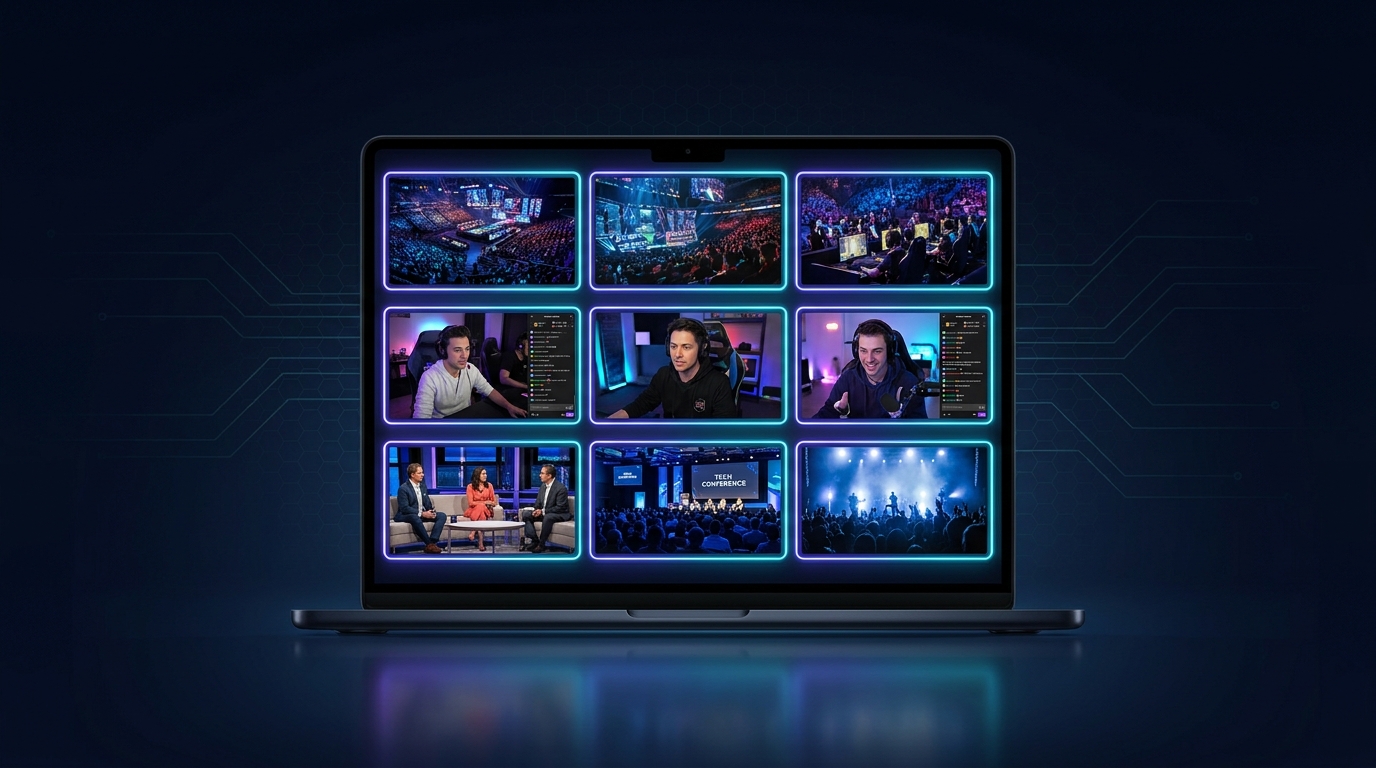
Okay, let's talk about the absolute chaos, pure joy, and mild insanity that is trying to keep up with everything happening in the streaming world right now. Seriously, my browser history is a testament to my FOMO — 15 tabs open, each one a different stream, trying to catch Tarik's analysis of a clutch Valorant round while also peeking at xQc's latest reaction, and oh look, Ludwig just dropped a new segment. It's a mess. A glorious, fragmented mess. That's why I'm always on the hunt for the perfect streaming multi view app; something that pulls it all together.
For years, I've been juggling. I’ve tried the dual-monitor dance, the picture-in-picture shuffle, even a brief, ill-fated attempt at stacking multiple browser windows on a single ultrawide monitor — don't ask, it didn't work. The audio was a nightmare, the CPU fan sounded like a jet engine, and finding the right stream in the right tab was an Olympic sport. But things have changed. The rise of dedicated apps, especially like what we're building here at ViewGrid, has made watching multiple streams not just possible, but genuinely enjoyable. It’s a total game-changer for anyone who’s ever wished they had more eyes, more ears, or just, you know, a better way to see what's going on.
Why You Absolutely *Need* a Multi-Stream Setup in Your Life
Look, if you're reading this, you probably already get it. But let me lay it out anyway, because sometimes it just needs to be said. Streaming isn't a niche anymore; it's a colossal, multi-headed beast of entertainment, news, and community. And it never sleeps. Trying to follow just one streamer, one game, one event? That's like trying to drink from a firehose with a coffee stir stick. You're going to miss so much.
Think about it:
Esports events. This is where a multistream setup truly shines. I remember watching Valorant Champions last year, trying to keep up with every single angle. You want to see the main broadcast, obviously, for the overall commentary and expert analysis. But then there's the specific player cams – watching TenZ’s incredible crosshair placement, or s1mple’s insane flicks in CS2, or Faker's macro play in League of Legends from his perspective? Priceless. And let's not forget the analyst desks during breaks. With a multi-view app, you can have all three up simultaneously. It's not just about getting more information, it's about getting richer* information. You understand the plays better, you appreciate the individual skill more, and you feel more connected to the entire event. I always head straight to Watch multiple esports streams when a big tournament kicks off.
* Breaking News & Live Events. This one's crucial. When something big is happening in the world, you don't want to rely on just one source, do you? Last week, I was tracking a major political address. I had the official government channel, a major news network, and a couple of independent commentators all running side-by-side. It gave me such a comprehensive picture – official statements, mainstream media interpretation, and grassroots reaction. You pick up on nuances you'd absolutely miss if you were just flipping channels or tabs. It’s like having your own personal news control room. And for that, Watch multiple news channels is my jam.
* Just... life. Seriously, sometimes I'm just chilling, want some background noise, but can't commit. Maybe I'm trying to decide if I want to commit to a long VOD. So, I'll have a couple of my favorite V-tubers on one screen, maybe someone speedrunning a game I love on another, and then perhaps a cooking stream on the third. The variety is insane. It's about maximizing your entertainment, your information, and frankly, your chill-out time. You wouldn't watch only one channel on traditional TV, would you?
The sheer volume of content out there demands a better way to consume it. The old methods just don't cut it anymore. Your browser is going to buckle, your speakers are going to wage an audio war, and your brain is going to turn to mush trying to keep track. A dedicated streaming multi view app solves all of that. It's not just a convenience; it's practically a necessity for the modern viewer.
The Wild West of Platforms: Twitch, YouTube, Kick, and Beyond
Okay, so we all know the big players, right? Twitch, YouTube, and now the rising contender, Kick. But it’s not just those three. There’s Rumble, there are dedicated sports streaming sites, even niche platforms that pop up for specific events. Each has its own ecosystem, its own community vibe, its own strengths and weaknesses. And each, usually, wants you to stay only on their platform. Good luck trying to watch something from Twitch and something from YouTube directly side-by-side without some serious browser gymnastics or a good ol' multi-view app.
Twitch: The OG of Live Gaming
Twitch, for a long time, was the place for live gaming. It still holds a massive chunk of the market. The chat culture is legendary, sometimes for better, sometimes for worse – anyone remember Twitch Plays Pokémon? It’s fantastic for community engagement, emotes, and discovering new streamers through raids. But let's be real, trying to have more than two Twitch streams open in separate tabs can start to chug, especially if you're not on a beast of a machine. And trying to integrate a YouTube stream into that? Forget about it. It just doesn't play nice. That's why using a tool that specifically helps you Watch multiple Twitch streams is so crucial if you're deep in the purple platform's world.
YouTube Live: The King of Everything Else (and increasingly Gaming)
YouTube Live has always been a beast for VODs and general content, but their live streaming has really stepped up. They've got the infrastructure, the global reach, and a massive user base already ingrained in their ecosystem. Many big names, like Valkyrae and DrLupo, have made the jump, bringing massive audiences with them. YouTube streams tend to be incredibly stable, and the quality is usually top-notch. For major events, be it a concert, a product launch, or even big esports tournaments like League of Legends Worlds, YouTube is often the official broadcast partner. But again, trying to mix a YouTube stream with a Twitch or Kick one in separate browser windows just creates a fragmented experience.
Kick: The Upstart with a Lot to Prove
Kick burst onto the scene with a lot of noise, primarily attracting creators with more creator-friendly revenue splits. It's still finding its footing, but it's undeniable that it's pulling in some huge names and significant viewership. For those who enjoy more 'edgy' content or just want to support a new platform, Kick is definitely a player. Its interface is still evolving, but the core functionality is there. And yeah, if you're trying to follow a specific streamer who jumped ship to Kick, alongside your faves on Twitch and YouTube, you absolutely need a way to combine them all. Luckily, a good streaming multi view app can easily let you Watch multiple Kick streams right alongside your other picks. The platform wars are real, but you don't have to pick a side in your viewing habits.
The point is, these platforms don't want to play together. They want you on their turf. But you, the viewer, just want to watch your content, no matter where it lives. That's the fundamental problem a quality streaming multi view app solves. It's the ultimate platform-agnostic solution, letting you curate your own personal viewing experience without being tethered to any single corporate ecosystem.
What Makes a *Great* Streaming Multi View App?
So, you're convinced you need one. But what separates the merely functional from the truly fantastic? I've tried enough clunky, resource-hogging, frustrating multi-view solutions to know what matters. It's not just about slapping a few streams on a screen; it’s about the experience, the control, and the performance. This is where the best multi stream viewer really shines.
Seamless Multi-Platform Integration: The Holy Grail
This is non-negotiable. If an app claims to be a multi-view solution but only supports Twitch, it's missing the point entirely. We live in a world where our favorite streamers are on YouTube one day, Kick the next, or even doing a special event on a niche platform. A truly great streaming multi view app needs to handle Twitch, YouTube Live, Kick, and frankly, anything with a publicly embeddable player – without a fuss. It shouldn't care where the stream comes from; it just needs the URL and it should work. This is the core functionality that underpins the entire experience. If it chokes on a YouTube link or struggles with Kick, then it's not doing its job properly. I want to plug in the URL, press enter, and see the video populate instantly. No weird authentication issues, no unsupported formats. Just seamless integration.
Customization and Layout Options: Your Command Center
One size does not fit all when it comes to multi-streaming. Sometimes I want two equally sized streams side-by-side. Other times, I need one dominant stream – say, the main esports broadcast – with two smaller ones in the corner for player perspectives or an analyst desk. And then there are those days where I just want four streams in a grid, pure chaos mode. A good app lets you:
Drag and drop streams into different positions.
Resize windows on the fly.
Choose from preset layouts (2x2, 1 large + 2 small, vertical splits, etc.).
Even save your favorite layouts for quick access.
This level of control means you're not just a passive viewer; you're an active curator of your viewing experience. It's your command center, and you should be able to arrange the intel exactly how you want it. My personal preference? Two main streams on my primary monitor, usually a game and a reaction, then maybe a smaller chat window or a news feed on my secondary. It feels powerful, you know?
Performance and Resource Management: No Lag Allowed!
This is where many solutions fall flat. Opening multiple browser tabs, especially for high-quality streams, is a recipe for a sluggish computer and an overheating CPU. A dedicated multi-view app should be optimized to pull in those streams efficiently, without hogging all your system resources. I’m talking about:
Low CPU usage: Your computer shouldn't sound like it's trying to launch into space.
Minimal RAM footprint: You want your RAM for gaming or whatever else you're doing, not for stream tabs.
* Smooth playback: No stuttering, no dropped frames, even with multiple HD streams.
This optimization is critical. You're trying to enhance your viewing experience, not degrade your entire computer's performance. The best multi stream viewer finds a way to deliver multiple high-quality video feeds without turning your rig into a slideshow.
Chat Integration (or lack thereof): A Personal Preference
Okay, this is a bit of a hot take, but I don't always want chat integrated. I know, I know, sacrilege for some. But when I'm watching multiple streams, trying to follow multiple chats simultaneously is just an exercise in futility. It's sensory overload. For me, the focus is on the video content. I might have one chat open for my primary stream, but usually, I close the others.
However, a truly comprehensive app should offer the option. For those who thrive in the chat chaos, being able to pop out multiple chat windows, or even have a consolidated chat feed (though that sounds like true madness), is a valuable feature. The key here is choice. Give me the option to enable or disable chat per stream, or even have a dedicated chat panel that I can toggle. It's about flexibility for different viewing styles.
How I Set Up My Ultimate Streaming Battle Station with a Multi View App
Alright, enough theory. Let's get down to brass tacks. How do you actually do this? How do you go from a jumbled mess of browser tabs to a sleek, efficient multi-streaming command center? It's surprisingly straightforward with a good streaming multi view app like the ViewGrid multi-stream viewer. This is my usual workflow, especially when I'm tracking a big esports event or a breaking news story.
Here's the step-by-step, no-nonsense guide to getting your streams up and running:
- Open Your Chosen App: First things first, launch your streaming multi view app. For me, that's typically ViewGrid. It’s clean, responsive, and gets straight to the point. You don't want an app that makes you jump through hoops just to start adding streams.
- Identify Your Target Streams: This is where you decide what you want to watch. Go to Twitch, YouTube, Kick, or whatever platform your desired stream is on. Find the specific live stream you want to include in your multi-view setup. For example, maybe it's Shroud streaming Valorant on Twitch, a retrospective documentary on YouTube, and a sports analyst show on Kick. Or maybe it's two different angles of a Formula 1 race from Watch multiple sports streams.
- Copy the Stream URL: This is the critical piece of information. On most platforms, you'll find the URL in your browser's address bar. Just copy it. It's usually something like
https://www.twitch.tv/shroudorhttps://www.youtube.com/watch?v=dQw4w9WgXcQ. Don't grab the embed code or anything fancy, just the direct link to the stream page.
- Paste and Add: Back in your multi-view app, there should be a clear input field, usually labeled "Add Stream" or "Paste URL." Paste the URL you just copied into this field and hit enter, or click an "Add" button. The app should then fetch the stream and display it in a default layout.
- Repeat for More Streams: Want more? Just repeat step 3 and 4. Copy the URL of your next stream, paste it into the app, and add it. The app will automatically try to arrange them for you as you add them. I usually start with my "main" stream first, then add the secondary ones.
- Customize Your Layout: Now for the fun part. Most good multi-view apps will let you drag and drop the stream windows to rearrange them. You can resize them, too. As I mentioned earlier, I love a big main window with a couple of smaller ones off to the side. You can experiment here to find what works best for your screen real estate and your viewing preferences. If you're really tracking something intense, like a Dota 2 International match, you might have the main game on one half, and then two or three different pro player perspectives from Watch multiple esports streams on the other half. It's all about what helps you soak up the most information.
- Manage Audio: This is crucial. Having three streams all blaring at once is a recipe for a headache. Your multi-view app must have individual volume controls for each stream. I usually mute all but one main stream and then toggle audio on/off for others as needed. Maybe I want to hear the game audio from one, but only the caster's voice from another. This granular control is a must-have. ViewGrid handles this really well – you can click on any stream to make it the dominant audio source, and then quickly switch.
- Save Your Layout (Optional but Recommended): If you find a layout you love, especially for recurring events, see if your app lets you save it. That way, next time you're ready for a multi-stream session, you can load your preferred setup with a single click instead of rearranging everything from scratch. This is a huge time-saver.
And that's it! It’s really that simple. A good streaming multi view app takes all the friction out of watching multiple streams simultaneously. It turns a chaotic, tab-filled browser nightmare into a streamlined, customizable viewing experience. My old methods were like trying to conduct an orchestra with a broken baton; now, with ViewGrid, it feels like I'm sitting at the conductor's podium, fully in control.
Common Pitfalls and How to Avoid Them
Even with the best tools, multi-streaming can present some challenges. It's not always sunshine and rainbows, especially if you're not careful. But with a little foresight, you can avoid the major headaches.
The Audio Management Nightmare
Oh, the dreaded audio clash. You've got three streams, all playing at once, and it sounds like an alien disco rave in your ears. This is the number one reason people give up on multi-streaming. As I mentioned before, individual volume controls are essential. My advice:
Default to mute: When you first add a stream, immediately mute it.
Designate a primary audio source: Decide which stream you want to hear most clearly. Unmute that one, and keep its volume at your preferred level.
Toggle as needed: For other streams, use the individual volume controls to quickly unmute for a specific moment, or keep them at a very low background level if you want some ambiance.
Headphones are your friend: Seriously, if you're doing any serious multi-streaming, headphones will save your sanity and prevent you from annoying anyone else in the room.
It takes a little practice to get your audio mix just right, but once you do, it becomes second nature.
Information Overload: The Brain Meltdown
Watching multiple streams means taking in a lot of information. Sometimes, it can just be too much. You're trying to follow three different conversations, three different game states, three different chat feeds (if you're brave enough to have them open). This can lead to what I call "streamer's paralysis" – you're watching everything, but comprehending nothing.
Prioritize: Decide what your main focus is. Is it the game? The streamer's personality? The chat interaction? Let one stream be your anchor, and the others provide supplementary context.
Limit your streams: Don't feel like you have to fill every available slot. Sometimes, two perfectly arranged streams are far better than four poorly managed ones. I rarely go above three active streams unless it's a very specific esports scenario where I need distinct perspectives.
* Take breaks: Step away from the screen for a few minutes. Let your brain reset. Hydrate. Staring at multiple moving images and hearing multiple voices for hours on end is surprisingly draining.
It’s about finding your personal sweet spot. Don't push yourself to consume more than you comfortably can.
Resource Hogging: When Your PC Cries for Mercy
I've been there. My laptop's fan spinning up so hard I thought it was going to lift off, streams stuttering, and my entire system slowing to a crawl. This usually happens when you're relying on multiple browser tabs, each running a video player, often with chat, ads, and various other scripts.
Use a dedicated app: This is the biggest solution. A well-optimized streaming multi view app is designed specifically to handle multiple video feeds efficiently. It typically uses fewer resources than multiple browser tabs.
Close unnecessary programs: If you're multi-streaming, close games, heavy editing software, or anything else that's chewing up CPU and RAM.
* Consider stream quality: While it's tempting to watch everything in 1080p60, sometimes dropping a secondary stream to 720p or even 480p can save significant bandwidth and processing power without dramatically impacting your viewing experience. Most good multi-view apps will let you adjust the quality for individual streams.
By being mindful of your system's capabilities and using the right tools, you can avoid frustrating performance issues.
The Future of Multi-Streaming and ViewGrid.tv
The way we consume live content is evolving faster than ever. New platforms pop up, existing ones innovate, and our appetite for more diverse, concurrent experiences only grows. I foresee even more advanced features coming to multi-viewing in the future – things like AI-driven audio mixing, smart layouts that adapt to content, and even deeper integration with chat and moderation tools. The demand for seamless, cross-platform viewing isn't going anywhere.
That's why I'm genuinely excited about what we're doing here at ViewGrid.tv. We're not just trying to build another multi-view solution; we're aiming to create the definitive streaming multi view app that prioritizes the viewer's experience above all else. We're constantly refining, adding new features, and making sure that whether you're watching a tense esports final, catching up on breaking news, or just enjoying a chill variety stream, you have the best possible tool at your disposal. Our goal is to make sure you never miss a moment, no matter where it's happening, and to make it incredibly easy to Watch multiple streams from any source.
So, ditch the tab chaos. Stop fighting with your browser. Embrace the power of multi-viewing and take control of your streaming universe. It's a whole new way to experience live content, and once you try it, you'll wonder how you ever lived without it.
Ready to try multi-stream viewing?
Watch YouTube, Twitch, Kick & more — all on one screen.
Open ViewGridOr start with watch multiple Twitch streams side by side — a ready-made grid for exactly this.
Related Articles
5 Unique Stream Pairings for Deeper Gaming Immersion
Tired of missing out? Dive into 5 unique stream pairings for gaming immersion! Learn how to combine pro POVs, speedruns, mod showcases, and chill streams on ViewGrid.tv for a truly next-level gaming experience. Get ready to elevate your viewing!
how toMaster Streamer Collabs: Multi-Stream Every POV
Tired of missing out on streamer collab POVs? Learn how to multi-stream your favorite creators from Twitch, YouTube, and Kick to get the full story. Your ultimate streamer event multi view guide is here!
newsNew Game Drop: Mortal Shell 2 & WARDOGS POVs
New game launches are here! Mortal Shell II & WARDOGS are dominating streams. Discover how multi-view gaming lets you catch all the action from multiple POVs on ViewGrid.tv.
comparisonMulti-Stream: Browser Extension or Web App?
Which is better for multi-streaming? We break down the multi-stream browser extension vs web app debate, highlighting performance, flexibility, and why web apps win for serious streamers.