Level Up Your Lollapalooza Chicago 2026 Experience: Watch Every Stream at Once
Lollapalooza Chicago 2026 is a multi-stream event — here's how to watch every official live stream at once in one grid.
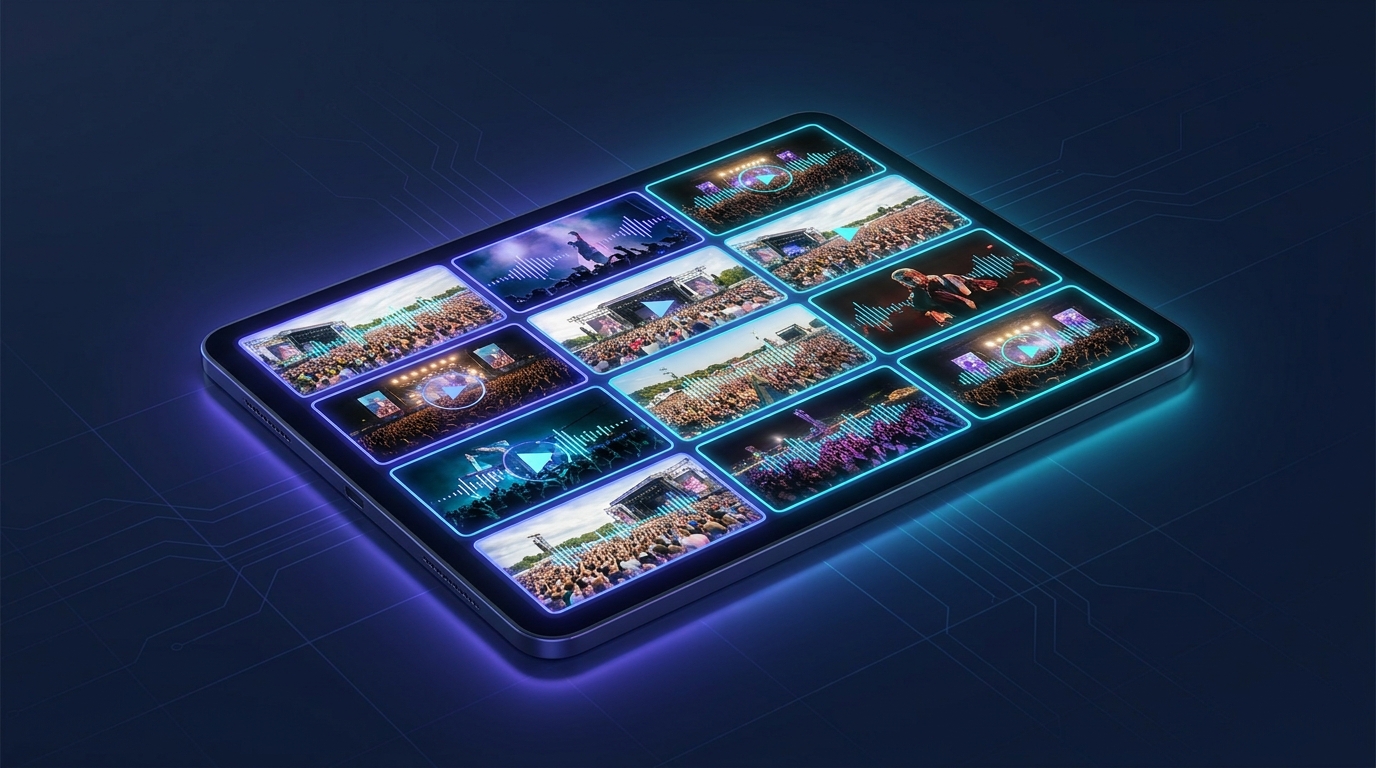
Lollapalooza Chicago isn't just a music festival; it's a cultural phenomenon, a multi-day celebration of sound that draws fans from across the globe. For Lollapalooza Chicago 2026, music lovers are gearing up for another unforgettable event, and with the rise of digital content, the festival experience extends far beyond the main stages. From official artist channels dropping exclusive content to dedicated community watch-alongs and real-time news updates, multiple live streams will be buzzing concurrently across various platforms. Trying to keep up with all the action in separate browser tabs is a chaotic dance. That's where a multi-stream viewer becomes your ultimate festival companion, letting you orchestrate your perfect Lollapalooza coverage in one unified grid.
Imagine being able to watch a curated selection of streams side-by-side: perhaps an artist's personal stream, a fan's live reaction, and a music news channel, all while keeping an eye on the official festival broadcast. This is the power of a multi-stream viewer – transforming a fragmented viewing experience into a comprehensive, immersive festival hub. You get to decide what to watch, when, and how, ensuring you don't miss a beat of the Lollapalooza Chicago 2026 excitement.
What's Happening and When
Lollapalooza Chicago 2026 is set to deliver four days of electrifying music and unforgettable moments. This premier music event kicks off on July 30, 2026, and runs through August 2, 2026.
While the official festival livestream will be available via subscription on Disney+ and Hulu, providing comprehensive coverage across multiple stages, the surrounding ecosystem of live content on platforms like YouTube, Twitch, and Kick will offer a rich, complementary viewing experience. This additional content—ranging from artist-hosted streams and interviews to community watch-alongs and music news updates—allows you to dive deeper into the Lollapalooza world. These diverse streams are where ViewGrid truly shines, letting you build a personalized second-screen experience that enhances your main festival broadcast.
Build Your Lollapalooza Chicago 2026 Grid in 60 Seconds
Setting up your personalized multi-stream hub for Lollapalooza Chicago 2026 is quick, easy, and requires no signup. Here’s how to create your ultimate festival viewing grid:
- Open the Multi-Stream Viewer: Navigate to viewgrid.tv. You’ll be greeted with a clean interface, ready for you to start building your grid. The platform is designed for instant access, so there's no need to register or log in.
- Pick Your Layout: Once you're on the site, you'll see options to select your preferred grid layout. For Lollapalooza Chicago 2026, a 4-slot layout often hits the sweet spot, offering enough screens to monitor diverse content without overwhelming your view. However, you can choose layouts ranging from simple side-by-side views to expansive grids with up to 20 streams on desktop, giving you total control over your festival immersion.
- Add Your Streams: This is where the magic happens. Look for the "Add Stream" button. You can then either search directly for live content on YouTube, Twitch, Kick, or Rumble, or paste the URL of a specific live stream you want to include. For Lollapalooza, consider adding streams from your favorite artists’ official channels, popular music news outlets, or streamers known for their festival commentary and watch-alongs. Remember, ViewGrid uses each platform's official embedded player, so creators get their views and ad revenue, supporting the artists and channels you love.
- Unmute Your Primary Audio: With multiple streams playing, you'll want to focus on one main audio source. By default, streams will be muted. Simply click the speaker icon on the stream you want to hear to unmute it. You can easily switch your primary audio focus throughout the festival as different events or discussions capture your interest.
- Share Your Grid Link with Friends: One of the coolest features of ViewGrid is the ability to share your custom grid. Once you’ve set up your perfect Lollapalooza Chicago 2026 viewing environment, copy the unique URL from your browser's address bar. Share this link with friends, and they can instantly join your curated multi-stream experience, fostering a communal viewing party regardless of physical distance.
Your Lollapalooza Chicago 2026 4-Slot Viewing Plan
To maximize your Lollapalooza Chicago 2026 experience, consider this powerful 4-slot setup as a companion to the official festival broadcast:
| Slot | Stream Type | Why It's Essential for Lollapalooza Chicago 2026 |
|---|---|---|
| Slot 1 | Official Artist Channels & Exclusive Content (YouTube, Twitch, Kick) | Many Lollapalooza artists maintain active channels where they might host Q&As, behind-the-scenes glimpses, or even stream performances from other events around the festival dates. Keep an eye on artists like Charli XCX, Lorde, Tate McRae, The Smashing Pumpkins, and JENNIE for unique perspectives. |
| Slot 2 | Live Watch-Alongs & Community Co-streams (Twitch, YouTube, Kick) | Join dedicated music fans and popular streamers as they react live to the Lollapalooza Chicago 2026 buzz. These co-streams offer a social, interactive viewing experience, sharing hype and commentary as the festival unfolds. |
| Slot 3 | Music News & Festival Updates (YouTube, Twitch) | Stay informed with real-time news, analysis, and interviews from channels specializing in music festivals and industry coverage. Get instant updates on schedule changes, notable performances, or trending topics during the four-day event. |
| Slot 4 | Behind-the-Scenes & Fan Perspectives (YouTube, Twitch, Kick) | Immerse yourself in the broader festival atmosphere with streams from attendees, vloggers, or even unofficial channels offering a different look at Lollapalooza Chicago 2026. Catch glimpses of the crowd, the food, or candid moments from the ground. |
This setup allows you to create a dynamic, personalized Lollapalooza Chicago 2026 command center. You can keep the official Disney+/Hulu broadcast on your main screen, while your ViewGrid setup provides all the supplementary content, community interaction, and breaking news you could ask for. It’s like having multiple VIP passes to different aspects of the festival, all at your fingertips.
Frequently Asked Questions About Multi-Streaming Lollapalooza Chicago 2026
Q: Is ViewGrid free to use for Lollapalooza Chicago 2026?
A: Yes, ViewGrid is completely free to use. There are no subscriptions, hidden fees, or sign-up requirements. Just open your browser, go to viewgrid.tv, and start building your multi-stream layout.
Q: How many Lollapalooza Chicago 2026 streams can I watch at once?
A: ViewGrid supports watching up to 20 live streams simultaneously on desktop browsers. If you're using a mobile device, you can comfortably view up to 6 streams at once, adapting perfectly to smaller screens.
Q: Does ViewGrid work on phones and tablets?
A: Absolutely! ViewGrid is designed to be fully responsive. Whether you're watching on a desktop, laptop, tablet, or smartphone, the layout automatically adapts to portrait or landscape orientation, ensuring an optimal viewing experience for your Lollapalooza Chicago 2026 streams wherever you are.
Q: Which platforms does ViewGrid support for Lollapalooza Chicago 2026 streams?
A: ViewGrid integrates with the official embedded players for YouTube, Twitch, Kick, and Rumble. This means you can easily pull in live content from a wide array of sources, ensuring you have access to the diverse live streams available during Lollapalooza Chicago 2026.
Don't let Lollapalooza Chicago 2026 pass you by with a fragmented viewing experience. Elevate your engagement by creating a custom multi-stream setup on viewgrid.tv. Whether you're tracking your favorite artist's every move, participating in a lively watch-along, or staying abreast of all the festival news, ViewGrid provides the perfect platform to stitch together your ideal music festival journey. Dive into the world of Lollapalooza Chicago 2026 and explore the endless live music possibilities with our music hub. Get ready to experience the festival like never before – all in one place, all at your command.
Ready to try multi-stream viewing?
Watch YouTube, Twitch, Kick & more — all on one screen.
Open ViewGridOr start with watch multiple Music streams at once — a ready-made grid for exactly this.
Related Articles
Creamfields 2026: Catch Every Beat, Every Stage, All At Once with ViewGrid's Multi-Stream Power
Creamfields 2026 is a multi-stream event — here's how to watch every official live stream at once in one grid.
streaming guideUnlock Every Beat: Your Ultimate Multi-Stream Guide to Tomorrowland 2026 — Weekend 2
Tomorrowland 2026 — Weekend 2 is a multi-stream event — here's how to watch every official live stream at once in one grid.
streaming guideDon't Miss a Second: Watch Every Falcon 9 Block 5 | Crew-13 Launch Stream Simultaneously
Falcon 9 Block 5 | Crew-13 Launch is a multi-stream event — here's how to watch every official live stream at once in one grid.
streaming guideDominate BlizzCon 2026: Watch Every Esports Stream Simultaneously!
BlizzCon 2026 is a multi-stream event — here's how to watch every official live stream at once in one grid.