Esports World Cup 2026 (Weekly Finals): Don't Miss a Single Play – Watch All Streams at Once!
Esports World Cup 2026 (Weekly Finals) is a multi-stream event — here's how to watch every official live stream at once in one grid.
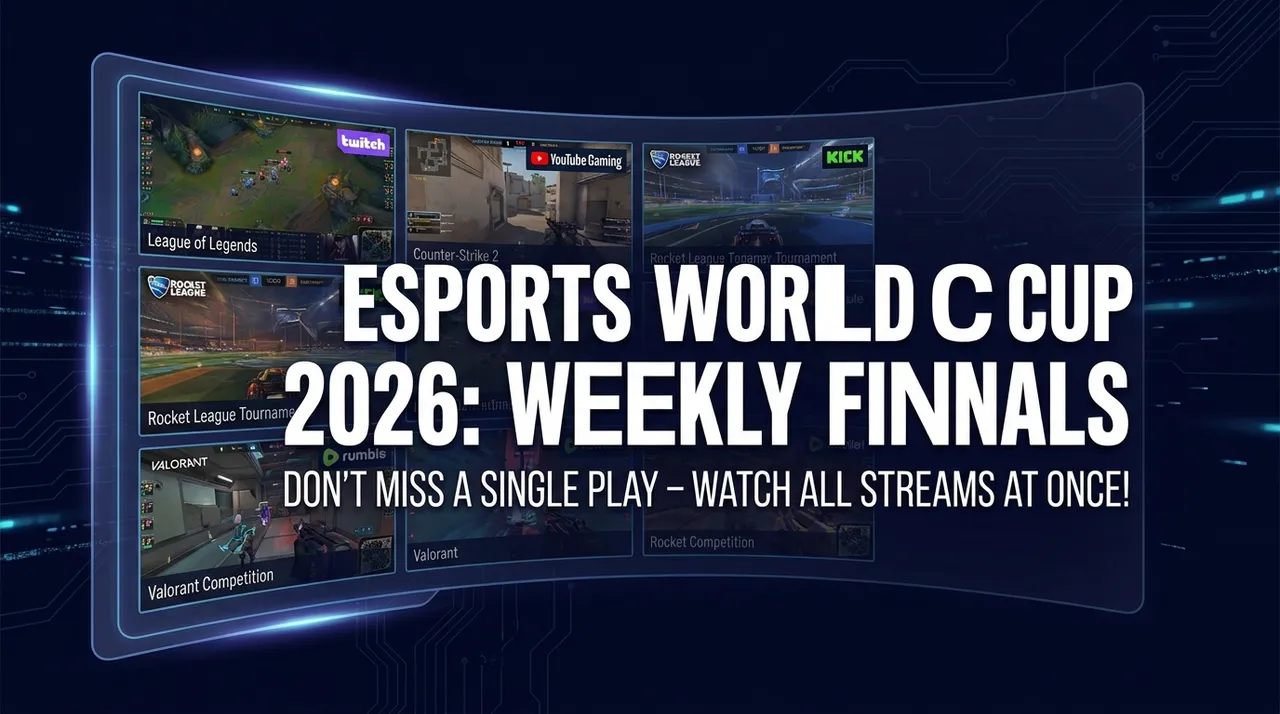
The world of esports is about to ignite with one of its most anticipated events: the Esports World Cup 2026 (Weekly Finals). This isn't just another tournament; it's a multi-game esports festival designed to push the boundaries of competitive gaming, featuring various tournament finals and competitions across different titles. What does this mean for you, the dedicated fan? It means a whirlwind of action, strategy, and triumph happening simultaneously across multiple official live streams. Trying to follow all the narratives, the clutch plays, and the rising stars with just one browser tab is like trying to catch every drop of a waterfall in a single thimble – it's simply not enough. You need a dedicated tool that puts you in control, allowing you to build your own custom command center.
What's Happening and When
Mark your calendars and clear your schedules, because the Esports World Cup 2026 (Weekly Finals) is set to deliver an incredible three weeks of high-octane esports action. This epic event kicks off on August 4, 2026, and will run until August 23, 2026. Over this period, fans can expect a continuous showcase of top-tier competitive play from across the esports spectrum. As a multi-game festival, there will be various tournament finals and competitions unfolding concurrently, guaranteeing a rich tapestry of live streams available on platforms like YouTube, Twitch, and Kick. Get ready to immerse yourself in the pinnacle of competitive gaming.
Build Your Esports World Cup 2026 (Weekly Finals) Grid in 60 Seconds
Imagine having the power to watch multiple official live streams from the Esports World Cup 2026 (Weekly Finals) all on one screen, side-by-side. With ViewGrid, our free browser-based multi-stream viewer, you can do exactly that in just a few simple steps. No signup, no fees, just pure, unadulterated esports viewing freedom.
Here’s how to set up your ultimate viewing grid:
- Open Your Multi-Stream Viewer: The first step is the easiest. Simply navigate to ViewGrid.tv. You'll be greeted with a clean, intuitive interface ready for you to build your custom viewing experience. This is your blank canvas for esports greatness.
- Pick Your Perfect Layout: ViewGrid offers incredible flexibility in how you arrange your streams. You can choose from layouts with 2, 3, 4, or even up to 20 streams simultaneously on desktop (and up to 6 on mobile). For an event as dynamic and multi-faceted as the Esports World Cup 2026 (Weekly Finals), we often recommend a 4-slot layout as the sweet spot. It provides ample screen real estate for each stream while allowing you to keep a close eye on multiple critical matches or broadcasts at once. But feel free to experiment – your perfect layout is just a click away.
- Add Your Streams – Search or Paste: This is where the magic happens. For each slot in your chosen layout, you have two primary options to add a stream:
- * Search Live: Use the built-in search functionality to find live streams directly from YouTube, Twitch, Kick, and Rumble. Just type in relevant keywords like "Esports World Cup 2026" or the specific game title you're interested in, and ViewGrid will pull up active live broadcasts. This is fantastic for discovering official channels or popular co-streams as they go live.
- * Paste a URL: If you already know the exact URL of the live stream you want to watch – perhaps a specific official channel, a player's POV stream, or a community watch-along – simply paste it directly into the designated slot. ViewGrid supports YouTube, Twitch, Kick, and Rumble URLs, ensuring you can bring in streams from all the major platforms broadcasting the Esports World Cup 2026 (Weekly Finals). Remember, ViewGrid uses each platform's official embedded player, so each platform's own ads and view-counting rules apply, and you get the authentic viewing experience.
- Master Your Audio: With multiple streams running, audio management is key. ViewGrid makes it simple: only one stream can be unmuted at a time. Click on the speaker icon on the stream you want to hear, and its audio will come through crisp and clear. You can easily switch between streams to catch crucial commentary or exciting moments without fumbling with multiple browser tabs. For other streams, you can adjust their individual volumes within their respective players, giving you granular control over your soundscape.
- Share Your Epic Grid: Once you've crafted your ultimate Esports World Cup 2026 (Weekly Finals) viewing grid, don't keep it to yourself! ViewGrid generates a unique, shareable link for your custom layout. Copy this link and send it to your friends, fellow fans, or community members. They can instantly open your pre-configured grid in their own browsers, joining you in an unparalleled multi-stream experience. It’s the perfect way to watch the event together, even if you’re miles apart.
Your Suggested 4-Slot Plan for the Esports World Cup 2026 (Weekly Finals)
With so much action unfolding across multiple game titles and stages, choosing which streams to prioritize can be a delightful challenge. Here’s a suggested 4-slot configuration that allows you to capture a broad spectrum of the Esports World Cup 2026 (Weekly Finals), balancing core action with deeper insights and community engagement. This generic plan is designed to be flexible, allowing you to swap in specific channels as they become available on YouTube, Twitch, and Kick.
| Slot | Stream Type | Why it's essential | Main Broadcast (Official) | This is your go-core channel for the primary tournament or the most significant final currently underway. You'll get the main observer feed, expert English commentary, and full production value. It's the central nervous system of your viewing experience. B- Main Broadcast for the primary tournament (e.g., Game X Final)
This is your central hub for the most important match or competition happening. It provides the highest production value, expert commentary, and comprehensive coverage.
| Slot 2 | Player-Specific POV or Alternate Language Broadcast | To gain a deeper understanding of individual player strategies and decision-making, a player's point-of-view (POV) stream is invaluable. Alternatively, if your primary broadcast is in English, you might choose an alternate language broadcast to hear different perspectives or support specific regional casters.
Ready to try multi-stream viewing?
Watch YouTube, Twitch, Kick & more — all on one screen.
Open ViewGridOr start with watch multiple Football streams at once — the page built for exactly this.
Related Articles
Fortnite FNCS Global Championship 2026: How to Watch Every Stream
Fortnite FNCS Global Championship 2026 is a multi-stream event — here's how to watch every official live stream at once in one grid.
streaming guideEMEA Masters Summer 2026: How to Watch Every Match and Co-Stream
EMEA Masters Summer 2026 is a multi-stream event — here's how to watch every official live stream at once in one grid.
streaming guideDon't Miss a Second: How to Watch PGL Wallachia Season 9 (Dota 2) with Every Stream at Once
PGL Wallachia Season 9 (Dota 2) is a multi-stream event — here's how to watch every official live stream at once in one grid.
streaming guideRocket League World Championship 2026: Catch Every Angle with a Multi-Stream Viewer
Rocket League World Championship 2026 is a multi-stream event — here's how to watch every official live stream at once in one grid.