Multi-Stream: Learn & Master Dev & Creative Skills
Unlock rapid skill acquisition for dev & creative fields with multi-stream learning. Discover how to leverage multiple streams for coding, art, and design tutorials effectively.
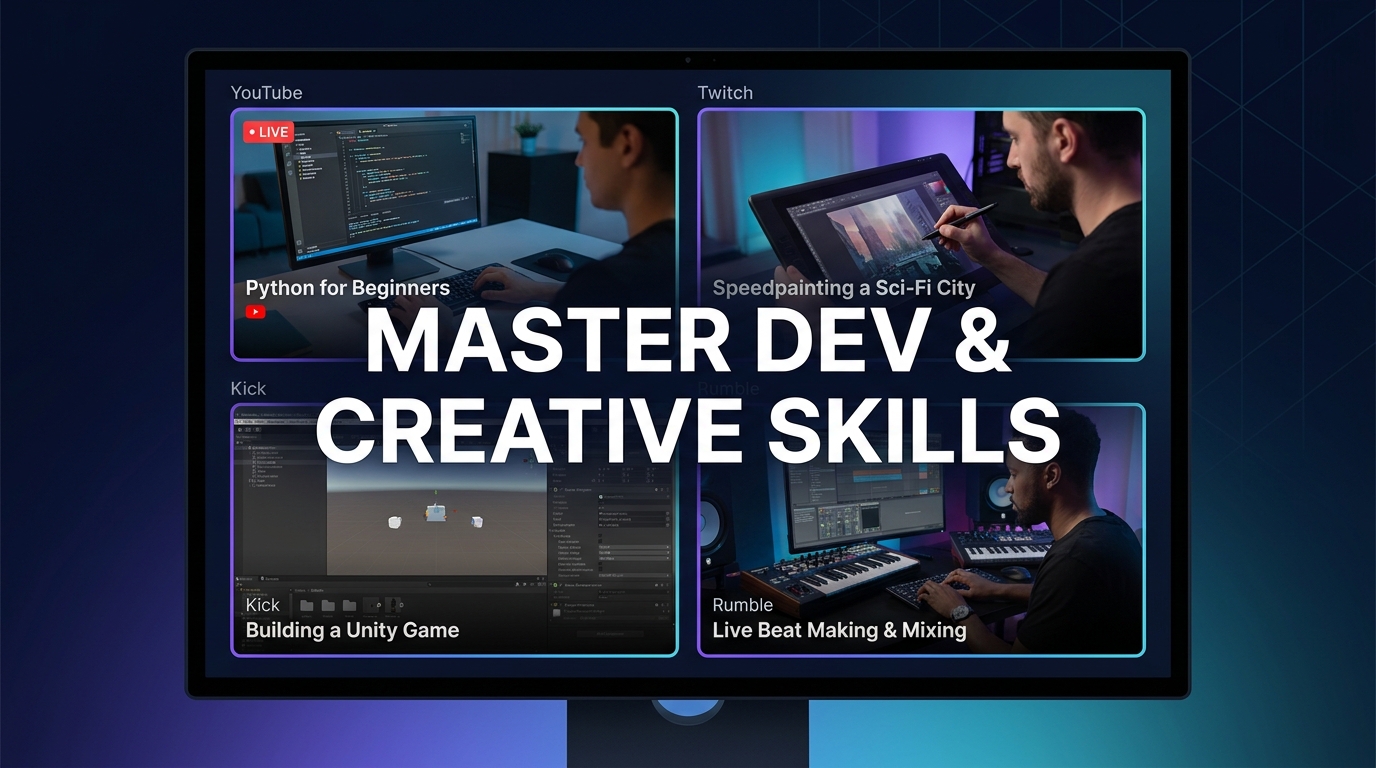
Alright, let's talk about something that's totally changed my game when it comes to picking up new skills — especially the tricky ones, like coding or digital art. I’m talking about multi-stream learning. Yeah, you heard me right. Not just watching a stream, but watching multiple streams, all at once. It sounds like chaos, I know. Trust me, the first time someone suggested it to me, I was like, "Are you kidding? My brain can barely handle one Dev stream's rapid-fire explanations, let alone three!" But once you get the hang of it, and you've got the right tools (and maybe a slightly tweaked brain, haha), it's an absolute powerhouse for accelerating your learning.
I mean, seriously, think about it. How many times have you been stuck on a coding problem, Googling frantically, only to find three different solutions that all kinda work but don't quite click? Or tried to follow an art tutorial, but the artist's specific workflow just isn't gelling with your style? That's where multi-stream learning steps in and basically says, "Hold my energy drink." You get diverse perspectives, different approaches, and often, answers to questions you didn't even know you had. It's not just passive viewing; it's active synthesis, pulling information from several sources simultaneously. It's like having multiple tutors whispering different insights into your ear, letting you decide which method resonates most.
Why Your Brain *Can* Handle More Than You Think (Probably)
Okay, so the initial hurdle is definitely the "overload" fear. And yeah, if you just throw up 4 random streams and expect instant enlightenment, you're gonna have a bad time. The trick to effective multi-stream learning isn't to absorb everything from every stream all the time. It's about strategic viewing. My setup usually involves one primary stream — the main tutorial or coding session I'm trying to follow — and then one or two secondary streams running in smaller windows. These secondary streams might be:
- A different streamer tackling the same problem in a slightly different way.
- Someone working on a related but complementary project.
- A chat from another community providing context or alternative ideas.
- Sometimes, it's just background noise from a coding stream with a chill vibe, but every now and then, a keyword or concept will snag my attention and I'll flick over for a closer look.
This isn't just for tech, either. I've used this method for everything from cooking streams (comparing techniques for a tricky sauce) to learning a new language (one stream for grammar, another for conversational practice). It’s about creating an immersive learning environment, one that mimics real-world problem-solving where you're often pulling from multiple resources. You're not just a student anymore; you're a curator of knowledge, building your own custom learning path.
Ready to try multi-stream viewing?
Watch YouTube, Twitch, Kick & more — all on one screen.
Open ViewGridOr browse all multi-stream categories.
Related Articles
Share Your Perfect View: Save & Export Multi-Stream Layouts
Tired of setting up your multi-stream view every time? Learn how to save multi stream layout configurations on ViewGrid.tv, export viewgrid layout, and share your custom stream layouts with friends!
how toMaster Streamer Collabs: Multi-Stream Every POV
Tired of missing out on streamer collab POVs? Learn how to multi-stream your favorite creators from Twitch, YouTube, and Kick to get the full story. Your ultimate streamer event multi view guide is here!
how toMobile Grid View: Optimize for Small Screens
Discover how ViewGrid.tv enhances multi-stream mobile optimization for small screens. Learn to set up your mobile stream layout, use live presets, and catch all the action on the go.
how toWatch Streams and Read Chat Side by Side
Watching several streams at once means losing the chat that gives them context. ViewGrid's new chat panel puts Twitch, YouTube and Kick chat next to your grid — pick which one to follow without pausing anything.