Your Summer of Choice: Watch Multiple Live Streams At Once
This summer, don't miss a beat! Learn how to watch multiple live streams at once with ViewGrid.tv, giving you ultimate live content control over your favorite esports, sports, and variety content.
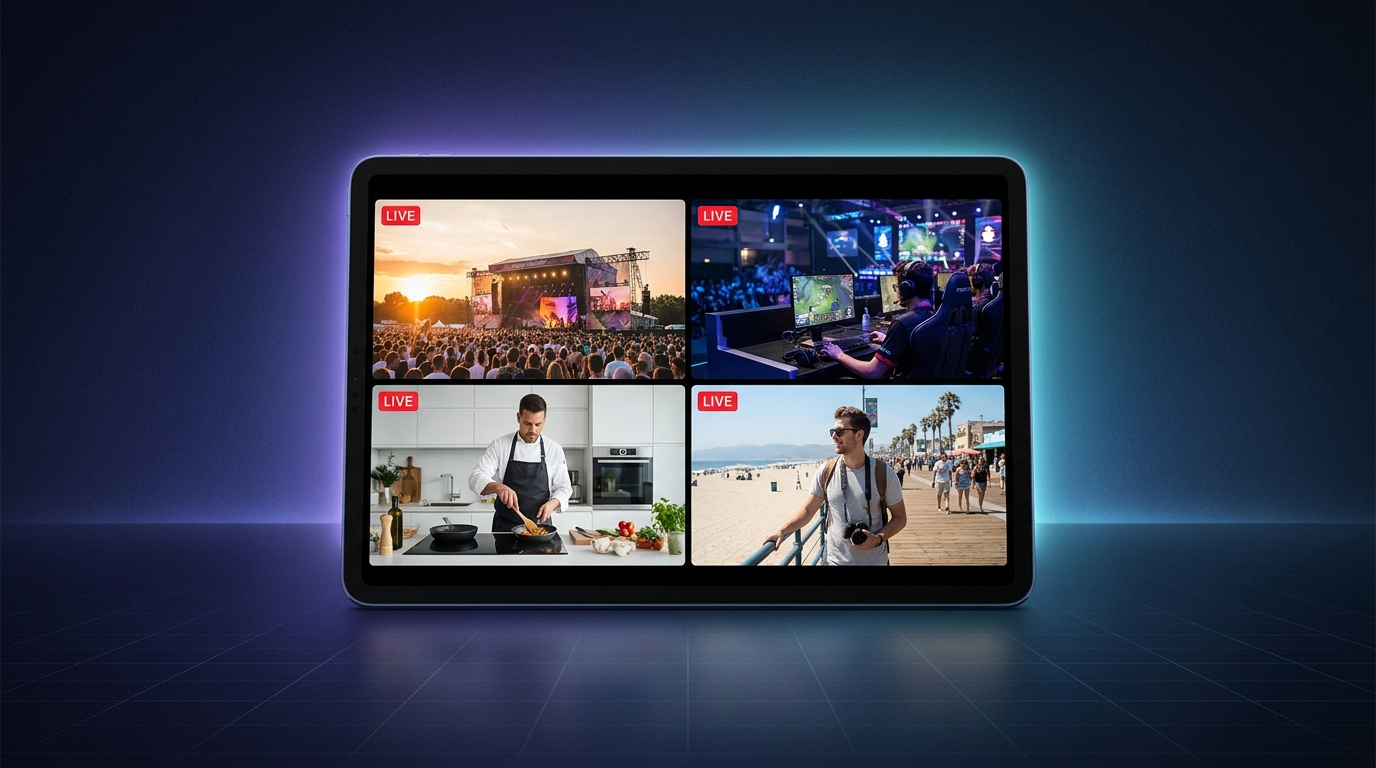
Summer. Ah, glorious summer. It’s supposed to be a time for chilling out, maybe hitting the beach, firing up the grill. But for me, and I’m guessing for a lot of you out there, it’s also when the live content calendar absolutely explodes. Seriously, it feels like every major esports tournament, every massive charity stream, every big IRL event, and all the crucial sports finales decide to cram themselves into June, July, and August. It’s a beautiful problem, don't get me wrong, but it’s still a problem if you're trying to keep up. How do you possibly keep track of it all, let alone enjoy it, when everything you want to see is happening right now? That's where knowing how to watch multiple live streams at once becomes not just a nice-to-have, but a total necessity.
I mean, last week alone I was trying to follow the VCT Masters Shanghai finals, keep an eye on Ludwig's new "Chessboxing" stream, and also catch snippets of a new streamer friend's first big subathon. My brain felt like it was doing gymnastics. My monitors were just... not enough. Switching tabs back and forth felt like a constant battle against buffering and missing critical moments. You know the feeling, right? You flip to one stream, and suddenly the other one just had a huge play you totally missed. It's the worst kind of FOMO. But what if you didn't have to choose? What if you could have all your favorite streams, all your essential events, laid out right in front of you?
The Summer Content Deluge is REAL (and glorious!)
Seriously, take a moment to think about the sheer volume of stuff happening right now, or just around the corner. We’ve got the tail end of the NBA playoffs, the Euros and Copa América kicking off for soccer fans, the lead-up to the Olympics in Paris, and a ton of other major sporting events. And don't even get me started on esports! Valorant Champions Tour is in full swing, League of Legends' MSI just wrapped and Worlds qualifiers are heating up, CS2 majors are always popping off, and there are FGC events like Evo on the horizon. It’s a non-stop parade of high-stakes competition.
Beyond the competitive stuff, you've got your favorite variety streamers doing their summer thing. Maybe it’s an outdoor adventure stream, a massive charity event with a bunch of creators collaborating, or just someone trying a new game that everyone’s talking about. I remember during one of QTCinderella's Streamer Awards after-parties – there were like, seven different streamers all broadcasting from different angles, showing different groups of people. It was chaos, but glorious chaos! And if you were only watching one, you were definitely missing some hilarious interactions happening elsewhere. This is where the beauty of a multi-stream viewer really shines. You get to curate your own festival of content.
I've been using tools to watch multiple live streams at once for years now, ever since I had two League of Legends streamers playing different roles in the same game, and I absolutely had to see both their perspectives. Or when I'm watching an F1 race, I want the official broadcast and Max Verstappen's onboard camera and maybe some live data stream. My partner thinks I'm crazy, but how else are you supposed to fully appreciate the madness? You can’t! The traditional single-tab, single-stream approach just doesn't cut it anymore for true content connoisseurs.
My Personal Multi-Screen Madness
Okay, so I might have a slight addiction to having multiple things on at once. My main setup usually involves my primary monitor for my "focus" stream – typically an esports match or a story-driven game stream. Then, on my secondary monitor, that's where the magic happens. I usually have a few smaller windows, or even a split-screen view, running different things.
For example, during the last VCT Masters, I had the main English broadcast on my big screen, obviously. But then, on the side, I had a co-stream from someone like Shroud or Tarik. Their reactions, their insights – sometimes they catch things the main casters miss, or they just provide a different vibe. And sometimes, just sometimes, I’ll even have a third window with a completely unrelated stream, like someone doing a chill art stream or just chatting, muted in the background. It's like having a digital coffee shop playing ambient noise while you're trying to focus on something else. It lets me feel connected to more of the content I love, without feeling like I'm constantly choosing one over the other. The feeling of having complete live content control over my viewing experience is just… empowering.
Why Settle for One Screen? The Power of a Multi-Stream Viewer
Honestly, the idea of just watching one stream these days feels almost… limiting. It’s like going to an all-you-can-eat buffet and only taking a single plate of pasta. Why would you do that when there’s so much more to experience? A proper multi-stream viewer isn't just about throwing a bunch of videos on your screen; it's about intelligent content consumption. It's about deepening your understanding, enhancing your enjoyment, and quite frankly, maximizing your time.
Think about it:
Esports Fans: This is probably the most obvious use case. You've got the main match feed, sure. But then there's the B-stream with a different language or a more casual cast. Or maybe you want to track a specific player's POV – like when TenZ is absolutely popping off, you want to see exactly what he's seeing, not just the observer camera. Or what about the analyst desk, breaking down the previous game, while the next game's lobby is already live? With a tool like the ViewGrid multi-stream viewer, you can literally build your own broadcast. You can watch multiple Twitch streams, or YouTube streams, or even Kick streams, all side-by-side. It transforms the way you follow tournaments, letting you craft your ideal esports streams experience.
Sports Enthusiasts: This summer, with so much happening, you’re going to need this. Say you’re following the Olympics. You could have the main track & field event on one screen, but then the gymnastics competition is simultaneously reaching a critical point on another channel. Or maybe you're trying to keep up with two different soccer matches in the Euros that are playing concurrently. Or, like me with F1, you want the official race feed, but also the Sky Sports commentary, which is usually way better, and maybe an alternative broadcast from a streamer who's just reacting live. You get to design your own sports hub. It’s perfect for juggling multiple sports streams without missing a beat.
News Junkies: This one is super powerful for staying informed. When a major breaking news event happens, you often want to see how different networks are covering it. Is CNN saying the same thing as BBC or Al Jazeera? Are they focusing on different aspects? You can have three major news channels on screen, comparing narratives and getting a broader perspective in real-time. It’s a brilliant way to consume news channels and avoid echo chambers – or at least understand them.
Variety/IRL Streamers: This might be the most fun. Imagine a group of streamers at a convention like TwitchCon or a big IRL event. They're all doing their own thing, but interacting. Watching multiple of their streams means you get to see all the angles, all the different conversations, all the chaos unfold simultaneously. It makes you feel like you're right there in the thick of it with them.
The point is, a single stream is just one window into a much larger, more dynamic world of live content. By opening up more windows, you don't just see more; you experience more. You gain a depth of understanding and an appreciation for the content that just isn't possible otherwise. It's about empowering you to be the director of your own viewing experience, giving you ultimate live content control.
How to Set Up Your Ultimate Multi-Stream Hub with ViewGrid
Alright, enough philosophical waxing about the wonders of multi-streaming. Let's get practical. How do you actually do this? It’s surprisingly simple, especially with a dedicated tool like ViewGrid.tv. Forget opening a million browser tabs and trying to resize them manually – that’s a recipe for frustration and browser crashes.
Here’s a quick rundown on how I usually set up my ultimate summer streaming multi-view experience using the ViewGrid multi-stream viewer:
- Open ViewGrid.tv: First thing's first, just head over to ViewGrid.tv. You don't need to download anything; it's all browser-based, which is super convenient. I usually bookmark it because I'm on it so often.
- Start Adding Streams: You’ll see a clean interface. There's typically a prominent input field where you can paste the URLs of the streams you want to watch. It supports Twitch, YouTube, Kick, and more. So, if I want to watch my favorite Twitch streamer, I grab their channel URL (e.g.,
twitch.tv/shroud) and paste it in. Then, maybe I want to add a YouTube esports broadcast, so I grab that URL (e.g.,youtube.com/@VALORANT_Esports_NA/live) and add that too. You can keep adding as many as your screen (and internet) can handle. I usually stick to 2-4 active streams for optimal viewing and sound management. - Arrange Your Layout: This is where the magic happens. ViewGrid automatically arranges the streams into a grid layout. But you're not stuck with that! You can drag and drop the stream windows to rearrange them. Want one big main stream and two smaller ones below it? Go for it. Prefer an even 2x2 grid? Easy. You can also resize individual windows, which is super handy if one stream is your primary focus and the others are secondary. This flexibility is crucial for getting that perfect live content control I keep talking about.
- Manage Your Audio: This is critical. Trying to listen to three streams at once is a surefire way to induce a headache. ViewGrid gives you individual volume controls for each stream. I usually pick one stream as my "main audio source" – the one I want to actively listen to – and then mute the others. Sometimes I'll keep a secondary stream at a very low volume if it's just background noise I want to pick up on, like ambient music or light conversation. More on this in a sec.
- Save Your Layouts (Optional but Recommended!): If you find a layout you really love for a specific type of event (e.g., "Esports Tournament View" or "Sunday Football Setup"), ViewGrid often lets you save these. This means the next time you want to recreate that perfect setup, it's just a click away. It’s a massive time-saver for someone like me who's constantly juggling different combinations of content.
- Share Your View: Another cool feature is the ability to share your custom multi-stream link with friends. So, if you've got the perfect combo of streams for a group watch, you can send them the link, and they’ll see the exact same layout you've created. It makes group viewing, even when you're not physically together, so much better. Imagine catching the final moments of a nail-biting NBA playoff game with your buddies, everyone watching the same custom setup of different camera angles and commentary streams – that’s the dream for sports streams.
It really is that straightforward. The first time I tried it, I felt like I'd unlocked a secret level of internet browsing. No more frantically switching tabs, hoping I didn't miss something crucial. Everything is right there, at your fingertips. It truly transforms your summer streaming experience.
The Art of Audio Juggling
Okay, let's talk about audio, because this is where a lot of people mess up their multi-stream experience. As I mentioned, trying to listen to multiple audio sources simultaneously is usually a recipe for chaos. Your brain can only process so much!
My go-to strategy is usually: one primary audio stream, all others muted. For example, if I'm watching a Valorant match and co-streamer, the official VCT broadcast gets my full audio attention. Shroud's co-stream? Muted. I'm watching his POV, his webcam reactions, his chat interactions, but not his voice. I'll glance over at him, see his facial expressions, read his chat if I want to, but the main game sound and casting from the official stream are paramount. This allows me to keep up with the game's actual sounds – footsteps, abilities, ult lines – which are often crucial for understanding the flow of play.
Sometimes, though, if I’m really just using a stream for background ambience – maybe a chill lofi stream on YouTube or someone just doing a quiet craft – I might have its volume super low, almost imperceptible, just to add a little something to the room. It’s like having a radio on softly in the background. But generally, the rule of one primary audio source keeps things clean and prevents sensory overload. It's a delicate dance, but once you figure out your preference, it becomes second nature.
Beyond FOMO: The Unexpected Benefits of Watching Multiple Live Streams At Once
While avoiding FOMO is a huge motivator for me (and I bet for you too), the benefits of being able to watch multiple live streams at once stretch far beyond just not missing out. There are deeper, more enriching ways this approach can change how you interact with live content.
Deeper Engagement and Understanding: When you watch an esports match from the official broadcast, and then simultaneously see a pro player's POV, you gain a vastly deeper understanding of the game. You see the macro strategy on the main stream, and the micro plays, decision-making, and insane mechanics from the player's perspective. It's like having a live, interactive masterclass running constantly. You're not just a passive viewer; you're an analyst, a detective, putting all the pieces together yourself.
Learning New Perspectives: This isn't just for esports. If you're watching a political debate, having two different news channels covering it, or two different political commentators reacting, allows you to immediately see how different biases or viewpoints frame the same event. It makes you a more critical consumer of information. Or, in a lighter vein, watching two different Twitch streamers collaborate in a game – you get to see both sides of their interaction, which can be incredibly funny and insightful into their dynamic.
Efficiency for Busy Bees: For content creators, journalists, or even just super-fans, being able to monitor multiple streams simultaneously is a huge time-saver. Need to keep an eye on breaking news while also finishing up some work? Have a news stream on a separate monitor or in a smaller window. Tracking multiple game releases or event announcements? Have all the relevant channels open. It's about maximizing your informational input without sacrificing your attention completely to one source. It's the ultimate live content control for the modern, multi-tasking individual.
A Sense of Control and Empowerment: In an era where algorithms often dictate what we see, choosing exactly what content you want, and how you want to see it, feels incredibly liberating. You’re not waiting for a platform to recommend something; you're actively curating your own media landscape. This sense of personal agency over your digital consumption is, for me, a truly underrated benefit. You are the conductor of your own digital orchestra.
Finding Hidden Gems
One of my favorite, slightly unexpected benefits of multi-streaming is discovering new content. How many times have you been watching a big collaborative stream, and someone from the main group pops into another stream, and you think, "Oh, I wonder what they're doing"? With a multi-stream setup, you can just open their stream in another window!
I've stumbled upon so many amazing smaller channels this way. I remember watching a big Minecraft event, and one of the participants was a less-known creator. I opened their stream alongside the main event, and ended up really enjoying their unique commentary and community. Now they're one of my go-to comfort streamers! It's like having a digital scout for new talent, constantly bringing you fresh content that you might not have found through traditional recommendations. It broadens your horizons beyond your usual bubble, which is always a good thing.
My Hot Take: Chat is Overrated (Sometimes!)
Okay, here’s where I might ruffle some feathers. I know, I know, chat is a huge part of the live streaming experience for many. It's where the community lives, where memes are born, where you get real-time reactions and banter. And believe me, I love a good chat interaction as much as the next person. But when I'm actively trying to watch multiple live streams at once, I often find myself minimizing or even completely closing chat.
There, I said it.
Why? Because chat, while great for engagement with one stream, quickly becomes a chaotic, distracting mess when you're trying to process information from two, three, or even four different video feeds. Your eyes are already darting between multiple screens, trying to track different actions, different people, different perspectives. Adding a rapidly scrolling text wall on top of that is just sensory overload. It pulls your focus away from the visual information you're trying to absorb.
When I’m in "multi-stream mode," my priority is the visual and auditory content of the streams themselves. I want to see the plays, hear the commentary, follow the actions. Reading chat becomes a secondary, often tertiary, concern. I might pop open the chat of my "main" stream for a moment during a lull, just to gauge the community reaction to something big that just happened. But for sustained viewing, especially during intense moments, chat goes away.
Now, this isn't a blanket condemnation of chat! For single-stream viewing, it's fantastic. But if your goal is truly to maximize your live content control and absorb as much information as possible from several simultaneous broadcasts, then sometimes, the best thing to do is let the chat scroll by unseen. Focus on the streams. That’s where the real magic is happening, especially during this jam-packed summer streaming season.
Ready to try multi-stream viewing?
Watch YouTube, Twitch, Kick & more — all on one screen.
Open ViewGridOr start with watch multiple Esports streams at once — a ready-made grid for exactly this.
Related Articles
EVO 2026: Multi-Stream Every Match, Every Angle
Don't miss a single combo at EVO 2026! Learn how to plan, set up, and optimize your multi-stream experience to watch all the action across Twitch, YouTube, and Kick with ViewGrid.tv.
streaming guideMultistream: Unleash Your Ultimate Live Viewing Experience
Tired of missing out? Discover the power of multistreaming to watch multiple streams at once. Our guide covers setup, use cases, and why ViewGrid.tv is your go-to multi stream viewer.
streaming guideEsports Multi-Stream: Master Pro Play & Gain the Edge
Ready to level up your esports viewing? Learn how multi-stream viewing helps you master pro play, catch all the action, and gain an edge. I'll share my setup, tips, and how ViewGrid.tv makes it easy to watch multiple Twitch, YouTube, and Kick streams.
streaming guideVTuber Multiverse: Multi-Stream Your Favorite Creators
Dive into the VTuber multiverse! Learn why multi-streaming VTuber creators, especially for collabs, is essential. Get tips for your multi-view setup and how ViewGrid.tv enhances your experience.