How to Watch a VTuber Collab From Every Member's POV
In a big VTuber collab every member usually streams on their own channel, so "all POVs" means opening all of those streams at once. Here is how to build that grid, keep one audio on, and share it with your fan community.
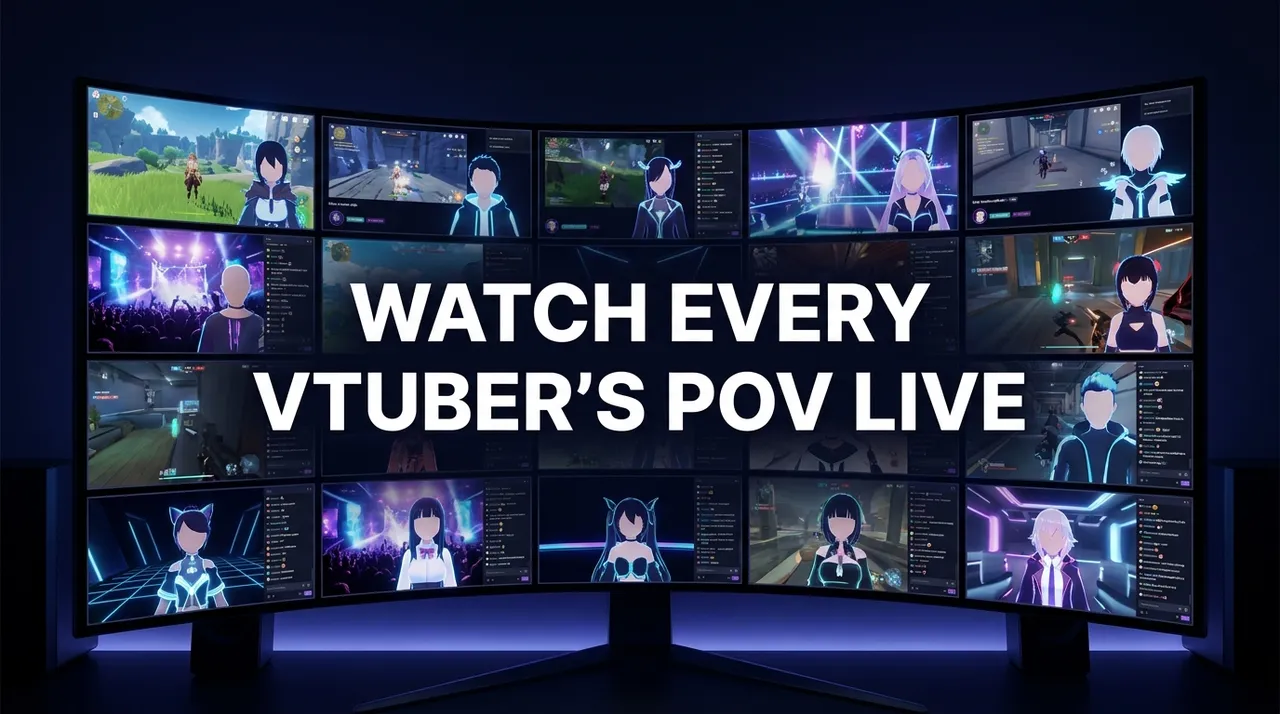
To watch a VTuber collab from every member's POV, open each member's own live stream at the same time, side by side, with one stream's audio on and the rest muted. In most large collabs every participant streams the session on their own YouTube or Twitch channel, so "all POVs" simply means all of those channels together. On ViewGrid you can paste each member's live link into one grid (up to 20 streams on desktop, 6 on a phone) and share the whole screen with a single link. Collabs run on the streamers' own schedules, so check each member's channel for the start time and convert it to UTC.
Why do VTuber collabs have so many POVs?
A collab looks like one show, but technically it is usually several. Each member runs their own stream from their own setup, with their own camera framing, overlay, chat and reactions. When four people play the same game together, you get four different streams of the same session.
The platforms' built-in co-streaming tools explain why. YouTube's Go Live Together lets eligible creators co-stream from a phone with one guest at a time, shown side by side. That suits a two-person chat, not a six-person game night, so larger YouTube collabs typically end up as separate streams on separate channels. On Twitch, Shared Chat (announced 24 September 2024) lets collaborating streamers combine their communities into one chat, but it merges chat, not video: Twitch's announcement says guests must be live to join a Shared Chat, so each streamer still runs their own broadcast on their own channel. Twitch also announced Shared Viewership on 5 December 2024, which shows a combined count of concurrent viewers across collaborating channels when Shared Chat is on. Either way, each channel still has its own stream, framed from its own streamer's side.
That is the whole reason "all POVs" is a search people make. The collab exists as a set of streams, and the way to see the full session is to put them next to each other.
What do you gain from watching several POVs at once?
Keeping several POVs open has practical uses, not just completeness:
- You catch both sides of a moment. A scream in one stream often has its cause in another member's stream. With the POVs side by side you see the setup and the reaction.
- You follow split-up teams. In survival, horror and party games, members often scatter. One POV can be in a menu while another is in the middle of the action.
- You keep up with the oshi and the group. Many viewers watch for one member but still want to see what the others are doing without switching tabs and missing things.
- You see every model and overlay. Each member's layout, model and on-screen reactions are part of the show, and you lose them when you watch a single stream.
None of this needs a special broadcast. It just needs a screen that can hold several official players at once.
Which agencies and platforms are involved?
Two of the large VTuber agencies, and the ones this guide refers to, are:
- hololive production, operated by COVER Corporation. Its official site lists branches including JP, ID, EN and DEV_IS, and each talent page links that member's YouTube channel, which is where its talents mainly stream.
- NIJISANJI, produced by ANYCOLOR Inc. ANYCOLOR's site lists an Overseas VTuber Project that includes NIJISANJI EN.
Independent VTubers are spread across YouTube and Twitch, and a cross-platform collab can mix both in one session. Rosters change often through debuts and graduations, so for who is in a given collab, go by the announcement on the members' own channels and social accounts.
A note on fan rules: both agencies publish guidelines for fan works. COVER's Derivative Works Guidelines ask creators to avoid content that is falsely represented as official or could be mistaken for official, and ask clippers to put a link to the source stream and its title at the start of the description. ANYCOLOR's Guidelines for Secondary Creation ask creators to avoid anything that could be confused with official products, and ask accounts that upload clips to register in advance and include the source stream URL. ViewGrid is not affiliated with either agency. A grid simply plays each member's stream inside the platform's own embedded player; we do not host, clip or re-stream any video.
How to watch a VTuber collab from every POV on ViewGrid
- Collect the members' channels. Before the collab starts, note each participant's YouTube or Twitch channel from the collab announcement. Members often schedule their streams in advance, which gives you the links early.
- Open a grid. Go to viewgrid.tv/multi-stream and paste each member's live link, one per slot. YouTube watch or live links and Twitch channel links both work, so a mixed YouTube + Twitch collab goes in the same grid. If you mostly watch one platform, the YouTube and Twitch pages are also a starting point.
- Or add streams from the browser. With the ViewGrid for Chrome extension (Chrome, Edge and other Chromium browsers, also for Firefox), click it on each member's stream page to add it to a list of up to 12, then press "Open grid". On a YouTube channel page, "Open channel grid" opens all of that channel's live streams.
- Keep one audio on. Unmute the POV you want to hear and keep the others muted. When the action moves to another member, mute the current one and unmute the new one. Hearing two members' audio at once in a voice-chat collab means hearing the same conversation twice with a delay, which is why one audio at a time works better.
- Open Twitch chat if you need it. For Twitch members, the chat panel sits next to the grid, so you can follow chat without leaving the screen.
- Share the grid. Every grid is a shareable link (viewgrid.tv/g/ plus a code). Post it in your fan Discord or group chat so everyone opens the same set of POVs.
- Follow the members. Sign in and follow up to 50 Twitch, YouTube and Kick channels on Your live home. It shows which of them are live right now and opens the live ones together as a grid with one tap. When several followed channels are live in the same game, they are grouped together, which is how a collab tends to show up.
Which audio should you keep on?
A simple rule: keep the audio on the POV where something is happening, not the one you like most. Three approaches work well, depending on the kind of collab:
| Approach | How it works | Good for |
|---|---|---|
| Fixed oshi audio | One member's audio stays on all night | Talk-heavy collabs, karaoke relays |
| Follow the action | Switch audio to whoever is in the key moment | Horror, survival, party games |
| Host audio | Keep the organiser's stream on | Quizzes, game shows, announcements |
Because members in a voice call usually hear each other, you rarely miss dialogue by muting the others. What you would miss is each member's game sound and their individual reactions, which you can still see on screen.
What we see on ViewGrid
Our in-product signal gives a rough picture of how big grids are used. In a sample of 2,392 grids from 3 September to 3 October 2026, 36% held 5 or more streams, YouTube appeared in 65% of grids and Twitch in 29%, and about 12% mixed platforms. When we looked at grids that had been open for 5 to 8 hours on 22 September 2026, 7 of 8 were on desktop computers, and one was a VTuber screen from Kuwait. A clear example of the same viewing pattern in our data was the Spanish-language hardcore Minecraft series DEDsafío Minecraft 4 on Kick, where every creator streams their own POV on their own channel: on its opening night 28 channels were live with "DEDSAFIO" in the title, and 4 of the next 8 new members saved a DEDsafío grid, one of them with 12 streams. It is not a VTuber event, but it is the same idea: one session, many POVs, watched together. We cover more multi-creator formats in our posts on streamer collabs from every POV and multi-creator VTuber streams.
What will not play in a grid?
A grid shows public live streams and public videos. A few things will not work:
- Membership streams. YouTube channel membership streams are for paying members of that channel. Watch those on YouTube.
- Embedding turned off. Some channels disable embedding on certain streams or archives. Those will not play outside the platform.
- Private or deleted archives. If a member privates or deletes an archive after the stream, the slot will stop playing.
For YouTube archives you can still watch, the same grid works after the stream: paste each member's archive link and sync them by hand using the in-player seek bar.
Frequently asked questions
How do I watch all POVs of a VTuber collab at once?
Open each member's live stream from their own channel and put them side by side in a multi-stream grid such as viewgrid.tv/multi-stream. Keep one stream's audio on and the rest muted, and switch audio when the action moves.
Can I mix YouTube and Twitch VTubers in the same grid?
Yes. A ViewGrid grid can hold YouTube, Twitch, Kick and Rumble streams together, so a cross-platform collab with indie VTubers on Twitch and agency talents on YouTube fits in one screen.
How many POVs can I watch at the same time?
Up to 20 streams on desktop and up to 6 on a phone. For a large collab, a desktop screen is more comfortable, and you can keep one audio on while the rest stay muted.
Does Twitch Shared Chat show every member's stream?
No. Shared Chat, which Twitch announced on 24 September 2024, combines the collaborating streamers' chats, but each streamer still has their own video. To see every member's picture you still need to open their streams side by side.
Does watching in a grid count for the streamers?
Each stream plays inside the platform's own embedded player, as it would on any site that embeds it. How YouTube or Twitch count those views is up to each platform, and we make no promises about view counts.
Is ViewGrid connected to hololive or NIJISANJI?
No. ViewGrid is an independent multi-stream viewer and is not affiliated with COVER Corporation, ANYCOLOR Inc. or any VTuber agency. It plays public streams through the platforms' embedded players.
Ready to try multi-stream viewing?
Watch YouTube, Twitch, Kick & more — all on one screen.
Open ViewGridOr start with YouTube Multi View — the page built for exactly this.
Related Articles
How to Watch a Minecraft SMP From Every POV at Once
An SMP story is split across every member's channel. Here is how to find a server's roster, build one saved grid across Twitch, YouTube and Kick, and see which members are live.
how toHow to Tell If a Live Stream Is Official (Our Rules)
A stream is official when it comes from the rights holder's own channel, not when its title says so. Here is a viewer checklist, and how ViewGrid decides which channels go into its event grids, plus where those checks stop.
how toHow to Watch All Live News Channels on One Screen
Most major news channels run a free official live stream. Put several side by side in your browser and you have a news wall. How to build one, and what we learned from people who keep one open all day.
how toViewGrid Mobile: A Guide to Multi-Stream Optimization
Multi-stream mobile optimization is about arranging several video streams on a small screen so they're actually watchable. With ViewGrid, you can watch up to six streams at once on your phone by choosing a layout that fi