What Is a Co-Stream in Esports? Rules and How to Watch
A co-stream is an approved creator rebroadcasting the official match feed with their own commentary and camera. Here is how Riot's and Blizzard's published programmes work, and how to watch the official feed and a co-streamer side by side for the Worlds 2026 final on 14 November.
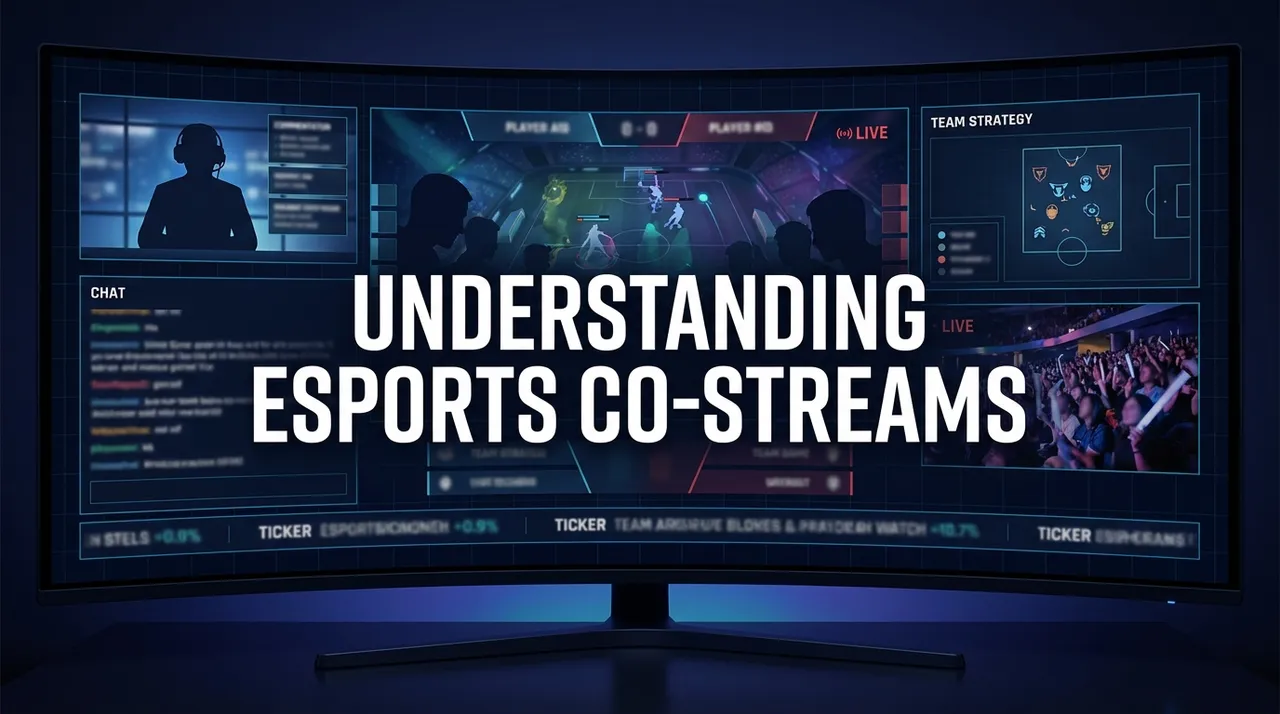
A co-stream in esports is an approved creator rebroadcasting the organiser's live match feed on their own channel while adding their own commentary and camera. It is a permission-based programme, not a free-for-all: publishers such as Riot Games and Blizzard publish rules for who may co-stream, what must stay untouched and how long a delay applies. The next big test is the League of Legends Worlds 2026 Grand Final on Saturday 14 November 2026 at Barclays Center in Brooklyn, New York. Watch the official feed from the LoL Esports channels linked on lolesports.com and add a co-streamer next to it if you want a second voice.
Riot's Worlds 2026 venue page lists the final at 2 PM EST, which is 19:00 UTC on 14 November (LoL Esports, venue and event policies). Schedules can move, so check lolesports.com on the day.
What is a co-stream, exactly?
Riot's own wording is the clearest definition. Its VALORANT watch-party guidelines define co-streaming as "rebroadcasting content from a current VCT stream while adding live commentary and/or video", and say permission is required before co-streaming a VCT event (Riot, VCT watch party guidelines). Those guidelines were published on 7 October 2021 and covered North American events of that time, so treat them as an example of how Riot writes these rules, not as the 2026 rulebook.
The key word is "adding". A co-stream is not a mirror. Riot's Teamfight Tactics co-streaming policy, published in September 2020, said the same thing: co-streaming means adding live commentary or video, and it is "NOT just re-uploading" the broadcast (TFT co-streaming policy).
"Watch party" is the term Riot uses for the same idea on the VALORANT side. For VALORANT Champions Seoul in August 2024, Riot ran virtual watch parties with an approved list of creators sorted by region and language (VALORANT Esports).
Why can't anyone just rebroadcast a match?
Because the match broadcast belongs to the organiser. Riot's general legal policy for fan content says: "Don't just rip off or add some light commentary to existing content (e.g., esports matches, other players' vods)" (Riot Games legal). That policy does not grant permission to rebroadcast esports. Permission comes from a separate co-streaming programme for each event or league.
That is why you can see the same match on many channels during a big tournament: the approved creators are working inside a set of rules, not around them.
What is a co-streamer allowed to do?
The details change by publisher and by event. Riot's 2021 VCT watch-party guidelines give a concrete picture of the kind of rules involved (source):
- VCT sponsors, sponsored segments and stitched commercials may not be altered or covered.
- The co-streamer's own sponsors must not conflict with VCT's own sponsors, and categories on Riot's restricted list (drugs, liquor, pornography and gambling) were not allowed.
- Co-streamers and their guests had to be 18 or older.
- The streamer was responsible for moderating chat.
That programme also listed specific platforms and required English, but those were regional rules for 2021, not global ones.
The TFT policy adds two more ideas you will hear about. Riot pointed co-streamers to a clean feed, meaning the game broadcast without the official casters' audio, so the co-streamer's voice replaces the casters. It also asked co-streamers to hold back VODs and highlights on YouTube for at least seven days after the broadcast (TFT policy).
Invitation vs open programmes
Publishers run co-streaming in two broad ways.
| Programme | Who can co-stream | What the published rules say |
|---|---|---|
| LoL Worlds 2025 Co-Streamer Hub (Riot) | By invitation; over 100 creators across multiple languages; all qualified teams invited to co-stream the full event | Remote lineup revealed 7 October 2025, on-site co-streamers announced before Finals Week (LoL Esports) |
| LEC 2025 Winter Split (Riot) | A published list of creators in many languages, which "could change each split" | Some co-streamers tied to specific teams; rotating co-streamers in booths at the Riot Games Arena in Berlin (LoL Esports) |
| Overwatch Champions Series 2026 (Blizzard) | Anyone who follows OW_Esports on Twitch and the guidelines | No delay for the main broadcast, 2 minutes for clean feed or observer streams, 3 minutes for player POV; any platform (Overwatch Esports) |
Riot's model is curated. For the LEC 2025 Winter Split it named creators linked to teams, such as Jankos for Rogue and KeshaEUW for G2, so fans of a team had a voice from their side of the desk. Blizzard's OWCS 2026 guidelines go the other way: the programme is open, but Blizzard can remove co-streamers and change the rules at any time, and co-streamers' sponsors must not conflict with OWCS sponsors.
The delays in the OWCS rules are there so the clean feed and player POVs, which can show more than the main broadcast, run a few minutes behind the live match.
Watching Worlds 2026: what to know before 14 November
Riot says Worlds 2026 runs from 15 October to 14 November 2026: the Play-In Stage at the Riot Games Arena in Los Angeles (15-18 October), the Swiss Stage, Quarterfinals and Semifinals at the Credit Union of Texas Event Center in Allen, Texas, and the Grand Final at Barclays Center in Brooklyn on Saturday 14 November (LoL Esports). The finalists are decided in the semifinals; check lolesports.com for the matchup.
Two practical points:
- Co-streamers for 2026. For Worlds 2025, Riot revealed its remote co-streamer lineup on 7 October and the on-site names before Finals Week. When this was written in early October 2026 we had not found a 2026 lineup. Use the list Riot publishes on lolesports.com rather than guessing from channel titles.
- Remote co-streaming is not the same as streaming from the arena. Riot's venue policy says: "Any unauthorized live streaming or broadcasting on social media or other platforms from professional or personal devices is strictly prohibited." If you have a ticket, watch the match in the room and leave the broadcasting to the people Riot has authorised.
Why watch the official feed and a co-stream side by side?
A co-stream runs on the same match feed as the official broadcast, so putting the two next to each other gives you two layers of the same moment. The official casters explain the play; your creator reacts to it, argues with the draft, or reads chat. You can switch audio between them during a series: casters for teamfights, the creator for the break.
It also helps when your creator's stream drops or buffers. The official feed keeps running beside it, so you do not lose the game while their stream reconnects.
Mixed-platform grids show up in our own data. In a sample of 2,392 grids opened on ViewGrid between 3 September and 3 October 2026, about 12% mixed two or more of YouTube, Twitch and Kick in the same grid. The most common mix was Kick + Twitch (133 grids), then Twitch + YouTube (113), the pairing you get when the official feed is on YouTube and a creator is on Twitch. This is a sample, not total usage.
How to watch it on ViewGrid
ViewGrid plays every stream inside the platform's official embedded player. It does not host or re-stream video, so the official broadcast and the co-stream play from their own channels.
- Open the official feed. Copy the link of the LoL Esports broadcast from lolesports.com and paste it into viewgrid.tv. For events on our calendar, the events page has ready-made grids built from official channels; the VALORANT Champions 2026 page shows how one looked during that event.
- Add your co-streamer. Paste their Twitch, YouTube or Kick link. You can run up to 20 streams on desktop and 6 on a phone, so a language-specific co-stream or a second creator fits too.
- Pick one voice. Keep one stream unmuted and mute the rest, then switch when you want the casters or the creator.
- Open Twitch chat next to the grid. The chat panel sits beside the streams, so you can follow a Twitch creator's chat while watching the official feed.
- Share or save the grid. Every grid is a shareable link (viewgrid.tv/g/<code>) you can send to friends, and signed-in members can save it for the next match day.
- Follow the channels. Sign in and follow up to 50 channels across Twitch, YouTube and Kick on your live home (/home). It shows which ones are live and opens them together as a grid. On event pages, "Remind me" sends one email when the event's official streams go live.
If you browse on Chrome, Edge or Firefox, the ViewGrid extension adds the stream you are on to a list (up to 12) and opens them as a grid.
A note on how our event grids treat co-streams: a channel added to an event must be live with a title that matches the event before it enters the grid. A creator who is online but playing something else stays out until their title says they are on the match. For more on following team casters during big events, see our guide to following your team's casters.
What should you check before picking a co-streamer?
Start with the organiser's page for that event. Riot publishes co-streamer lists for some events and leagues, and Blizzard publishes its OWCS rules. A creator on an official list is streaming with permission; a channel that simply relays the match without adding anything is the kind of "light commentary" Riot's legal policy warns against.
Then pick for language and perspective: a team-linked creator if you support one side, a creator in your language if the official broadcast is not, or a former pro if you want analysis.
Frequently asked questions
What is a co-stream in esports?
A co-stream is a creator rebroadcasting the organiser's live match feed on their own channel while adding their own commentary and camera. It requires permission from the organiser, through a co-streaming or watch-party programme for that event.
Is a co-stream the same as a watch party?
Riot uses both terms for the same idea: a creator showing the live official feed with their own commentary. "Watch party" is common on the VALORANT side, "co-stream" on the League of Legends side.
Can anyone co-stream Worlds or VCT?
Riot's programmes have worked by invitation or approval, such as the Worlds 2025 Co-Streamer Hub and the VCT watch-party lists. Blizzard's OWCS 2026 programme is open to anyone who follows its guidelines, so the answer depends on the publisher and the event.
What is a clean feed?
A clean feed is the game broadcast without the official casters' audio, so a co-streamer can commentate over it. Some programmes add a delay to clean feeds and player POVs; OWCS 2026 uses 2 and 3 minutes.
When is the LoL Worlds 2026 final?
The Grand Final is on Saturday 14 November 2026 at Barclays Center in Brooklyn, New York. Riot's venue page lists 2 PM EST, which is 19:00 UTC; check lolesports.com on the day in case it changes.
Can I watch the official stream and a co-stream at the same time?
Yes. Paste both links into a ViewGrid grid, keep one unmuted, and open Twitch chat next to the streams. Each stream plays in its platform's own embedded player.
Ready to try multi-stream viewing?
Watch YouTube, Twitch, Kick & more — all on one screen.
Open ViewGridOr start with Twitch multi-stream viewer — the page built for exactly this.
Related Articles
How to Watch Worlds 2026 Co-Streams Side by Side
Worlds 2026 starts with the Play-In on 15 October (18:00 UTC) and the Swiss Stage from 23 October. Here is the schedule in UTC and ET, how Riot's invitation-based co-streaming works, and how to keep the official feed, a co-streamer and a language channel on one screen.
streaming guidePGL Masters Bucharest 2026: How to Watch Both Streams
PGL Masters Bucharest 2026 runs 24-31 October with two English streams on Swiss days: Stream A on PGL's Twitch and Stream B on PGL_CS2. Here are the daily slots, the clock-change catch, and how to keep both matches on one screen.
streaming guideFortnite FNCS Global Championship 2026: How to Watch Every Stream
Fortnite FNCS Global Championship 2026 is a multi-stream event — here's how to watch every official live stream at once in one grid.
streaming guideEMEA Masters Summer 2026: How to Watch Every Match and Co-Stream
EMEA Masters Summer 2026 is a multi-stream event — here's how to watch every official live stream at once in one grid.